We use cookies to give you the best possible experience on our website. By continuing to browse this site, you give consent for cookies to be used. For more details, please read our Online Terms & Conditions, Privacy Policy, Cookies Policy and Personal Information Collection Statement.
We recommend using a computer web browser or Hang Seng Mobile App to log on for enhanced security. Please visit "Security Information Centre" for more security tips.



If you've a HKD Passbook Savings Account and haven't registered for Hang Seng Personal e-Banking, please visit our branch to apply.
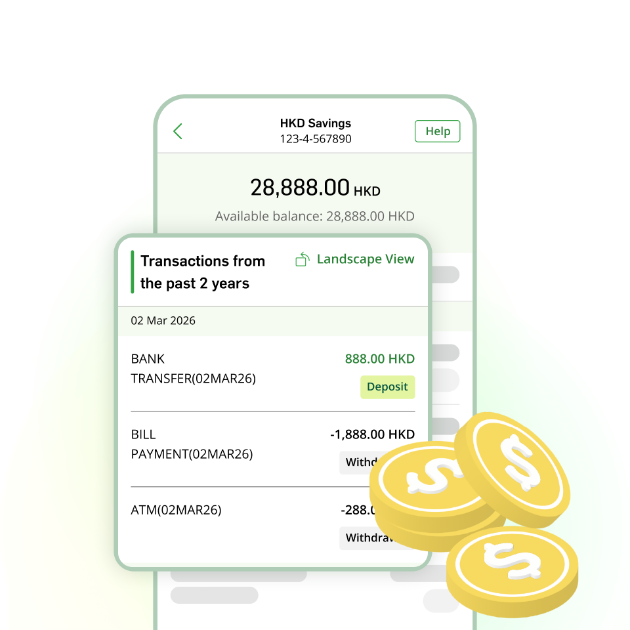
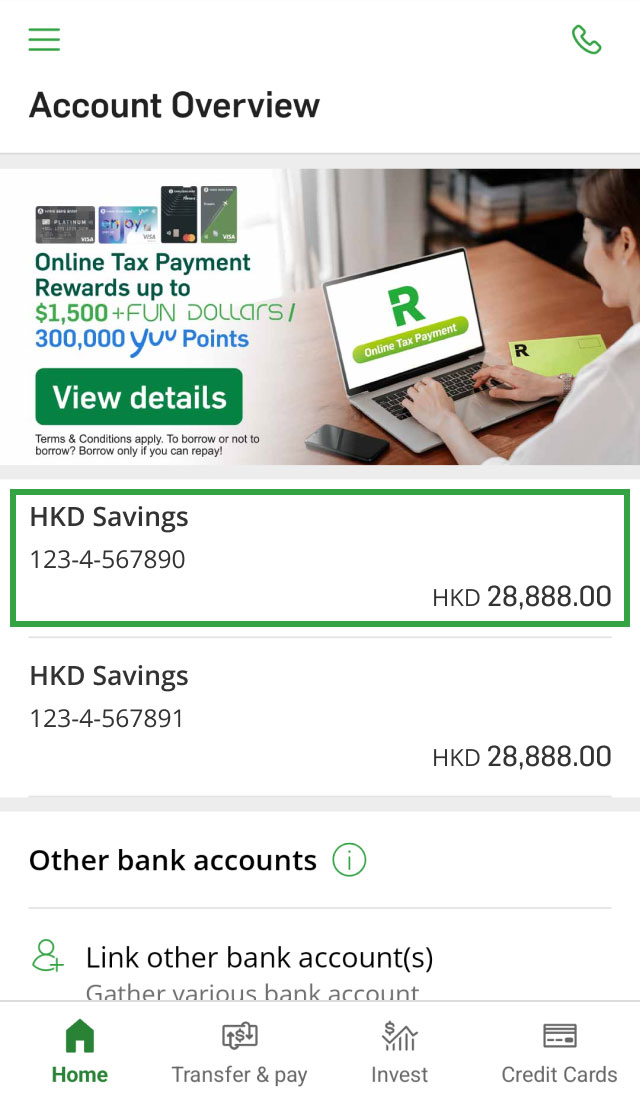
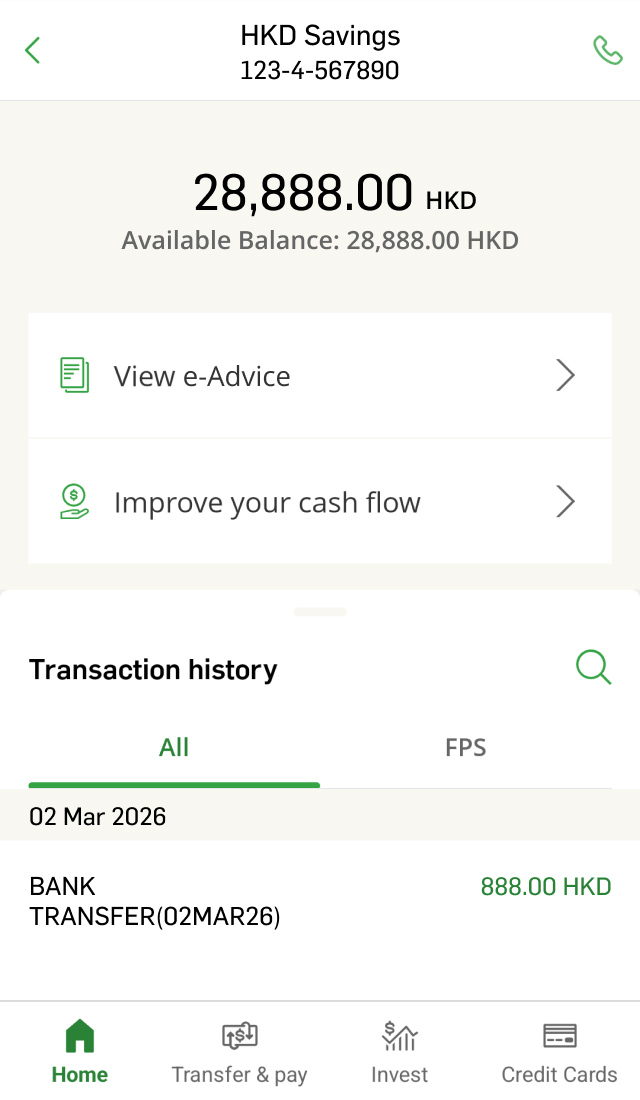
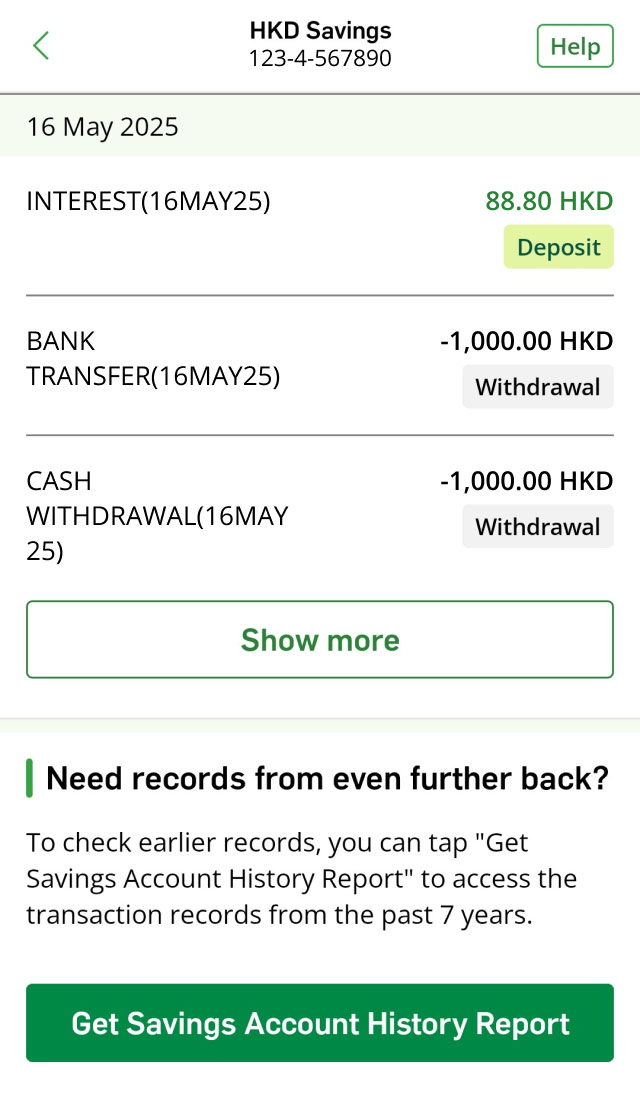
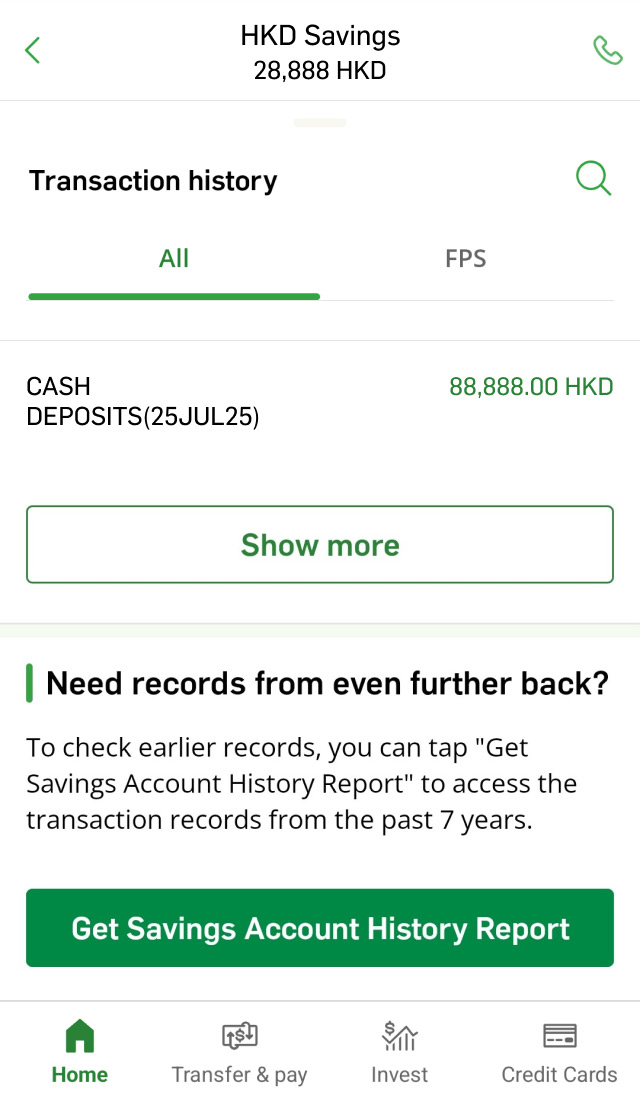
If you‘ve already registered Personal e-Banking, you can simply log on to Hang Seng Mobile App and view up to 7 years of transaction records on your account details page without the e-Passbook.
*Your mobile phone should be able to receive SMS, and are the supported models and operating system versions as we specify; (i) iPhone with iOS 17.0 or above; (ii) NFC-enabled Android phones
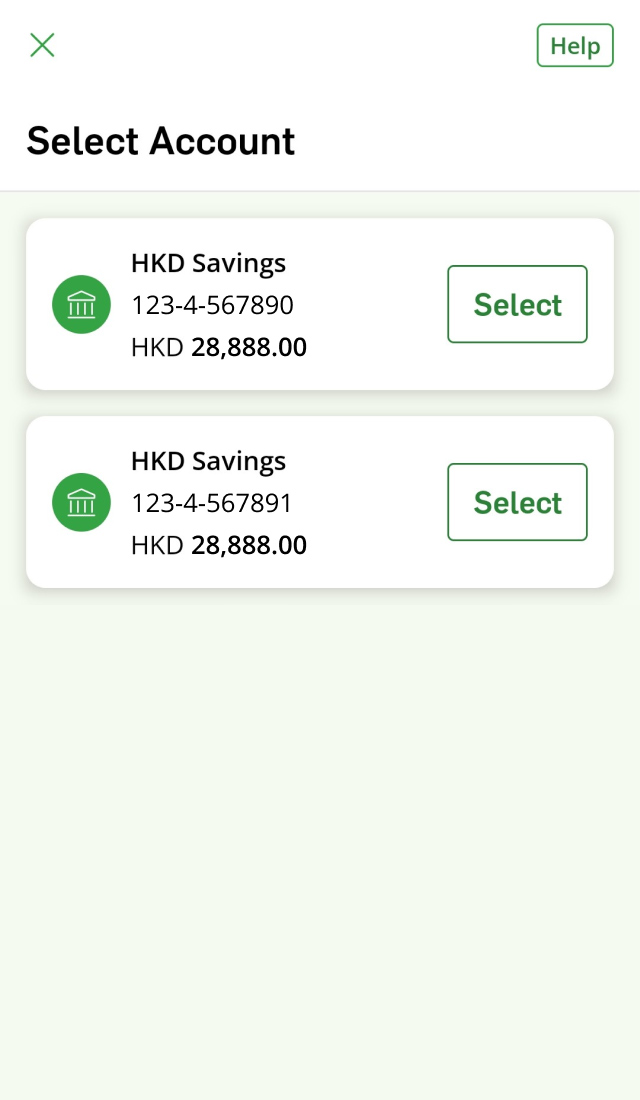
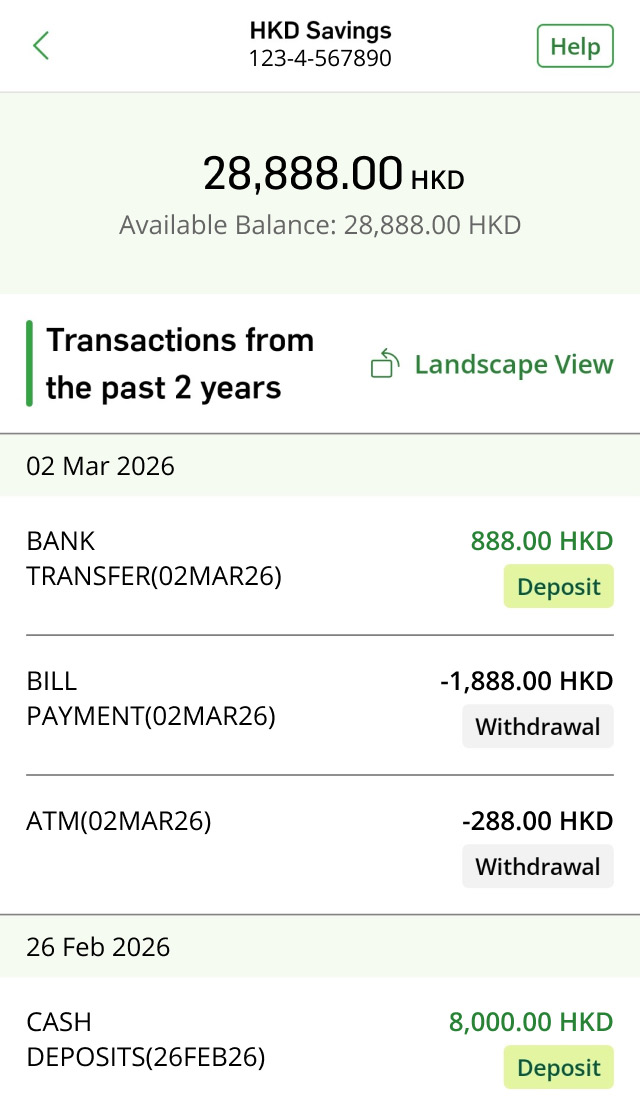
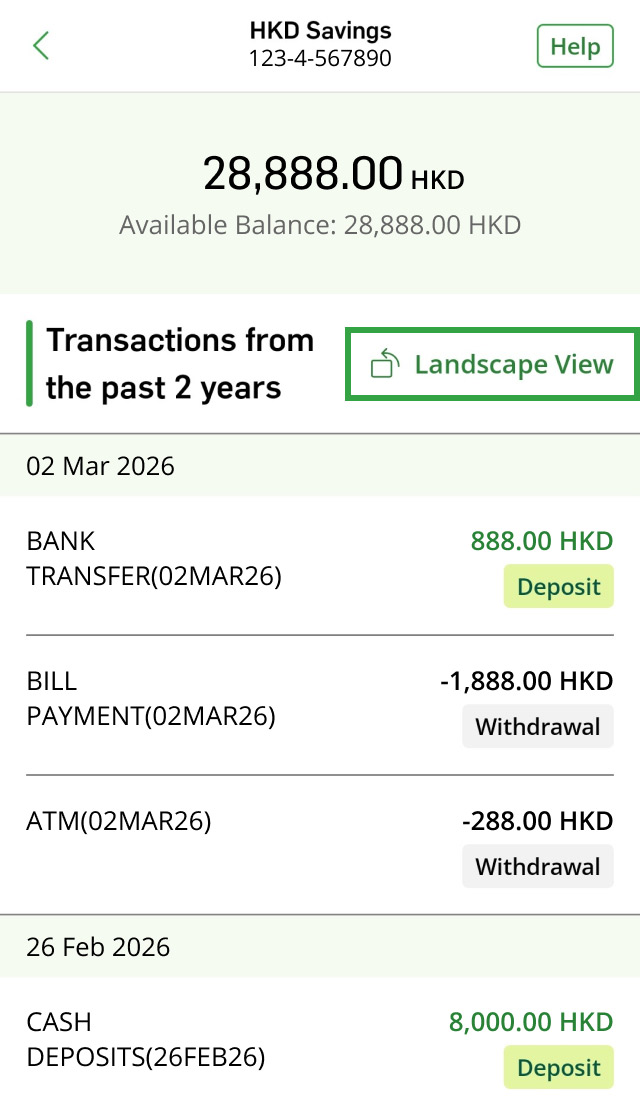
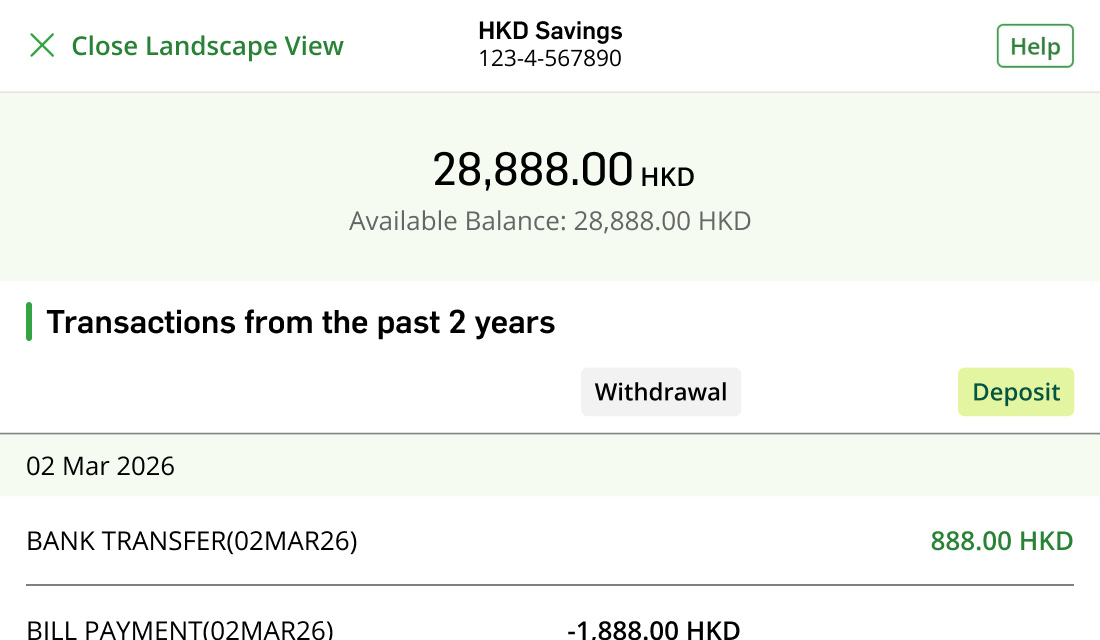




If you hold a personal HKD Passbook Savings Account and are not a Hang Seng Personal e-Banking customer, you’re eligible to apply e-Passbook.
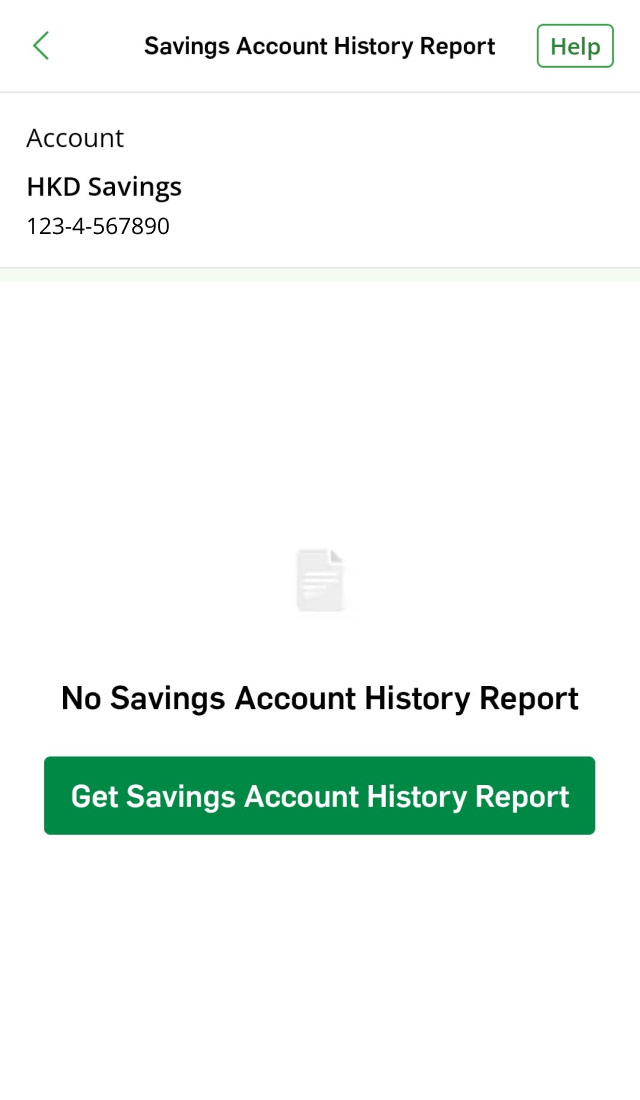
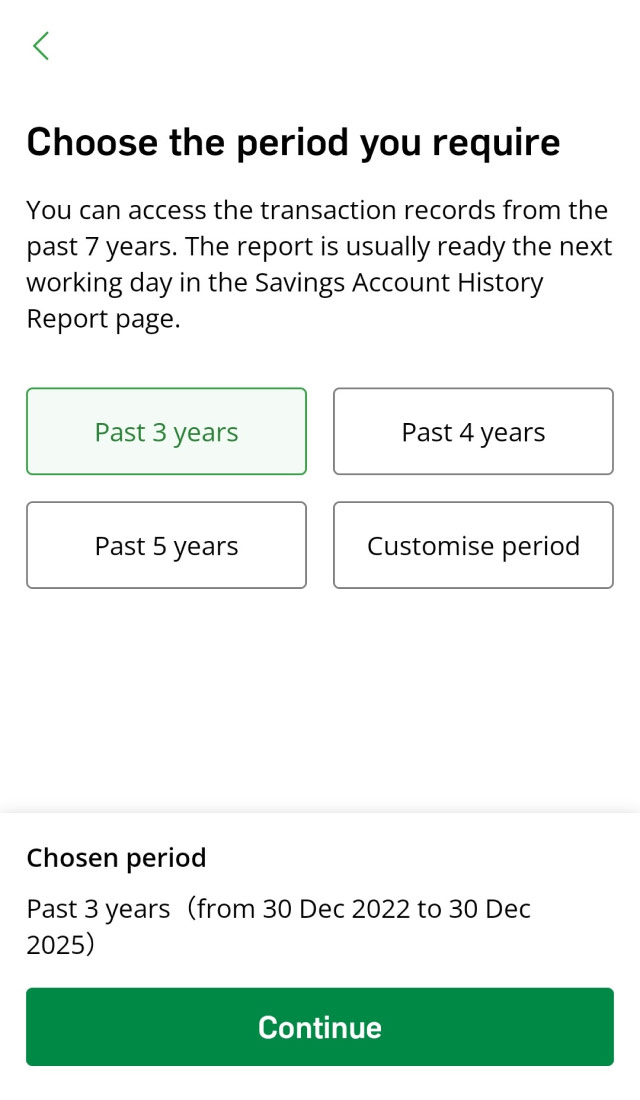
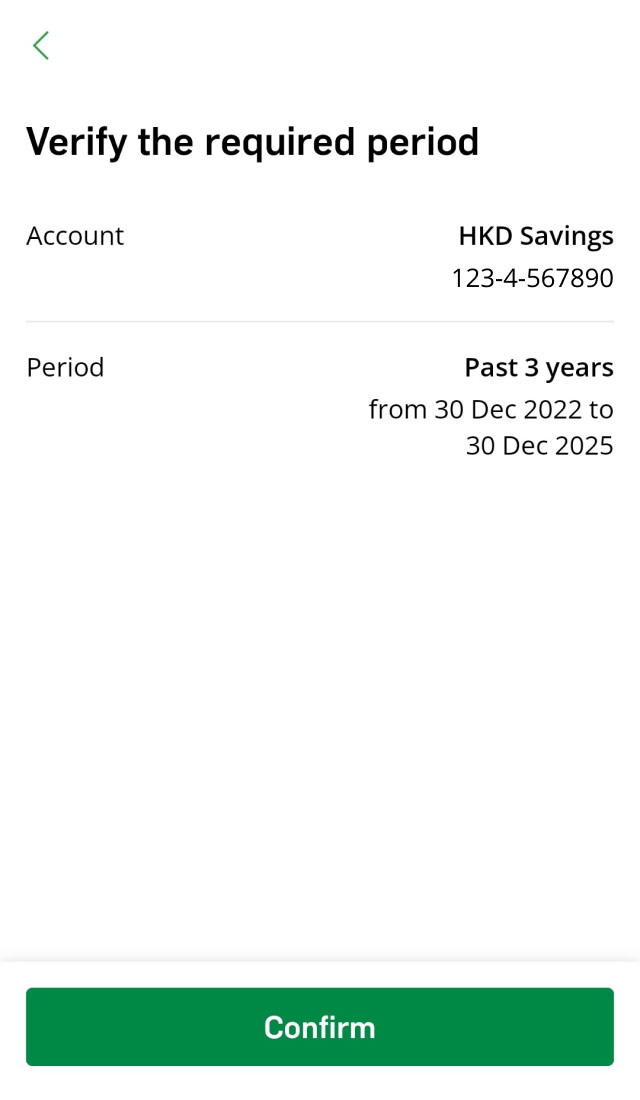
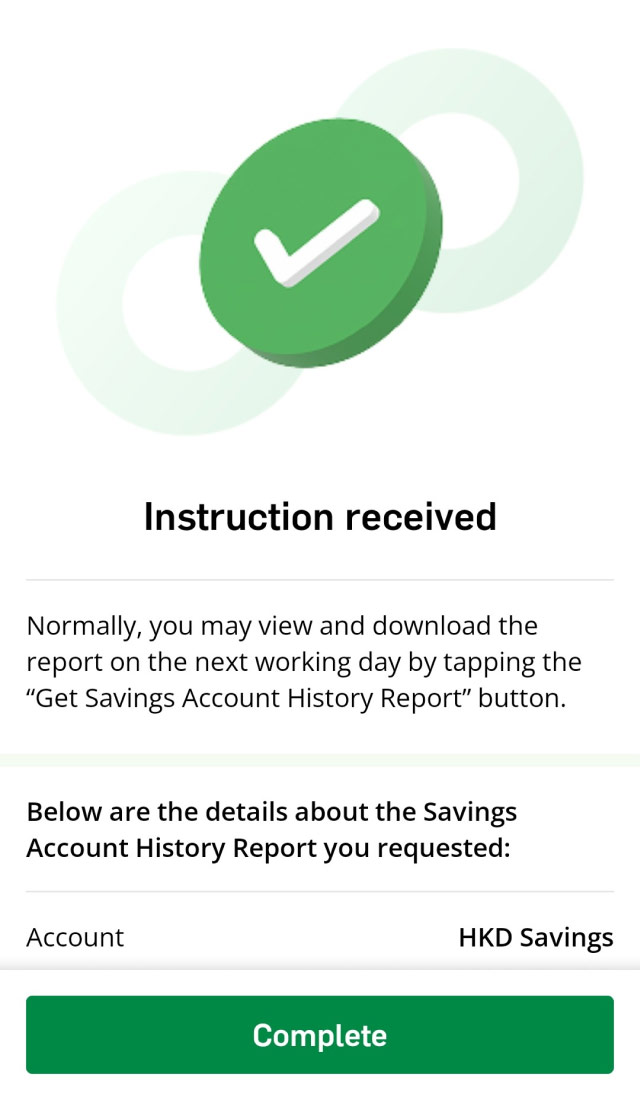
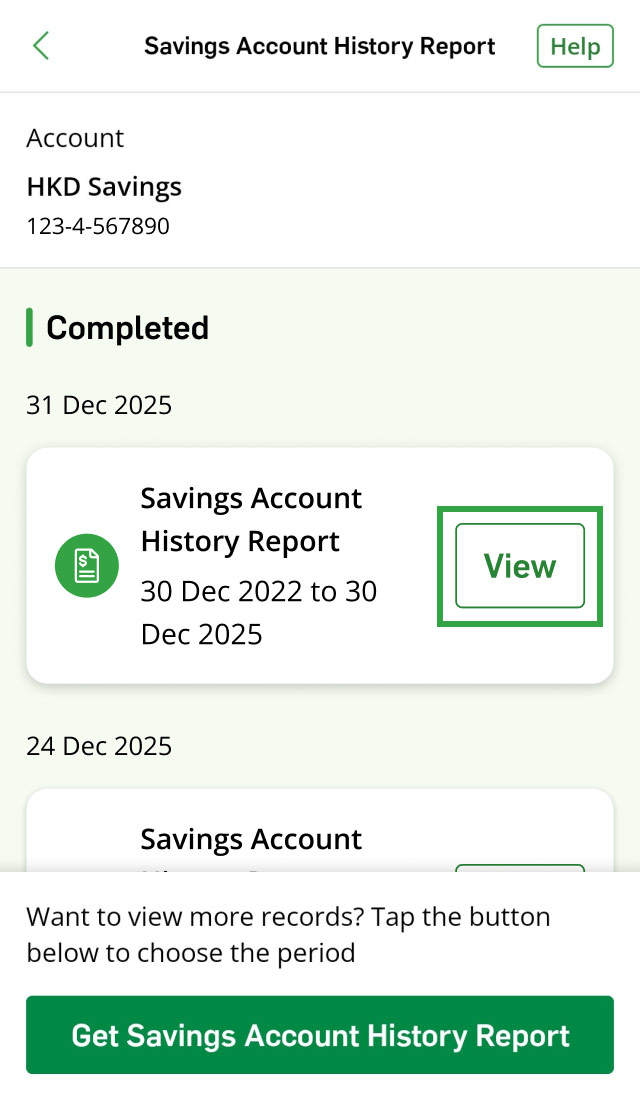
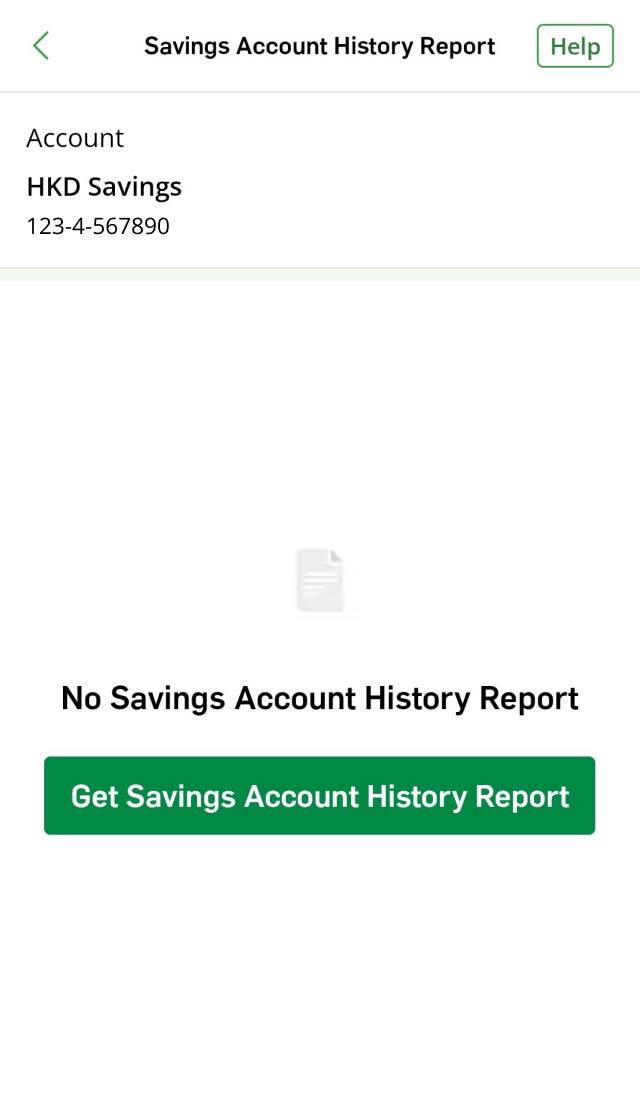
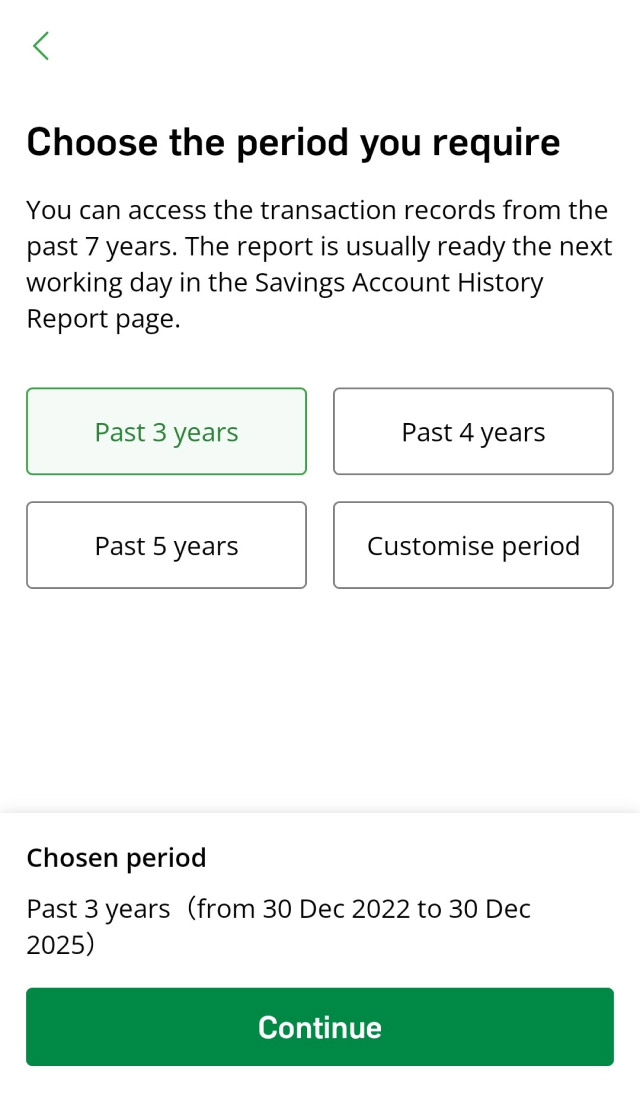
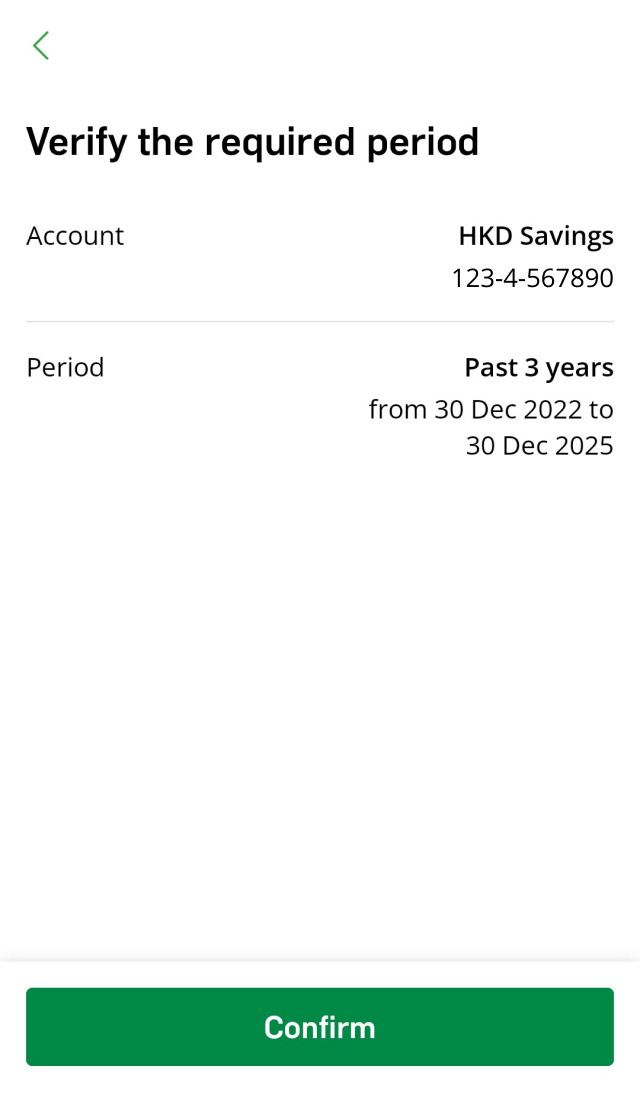
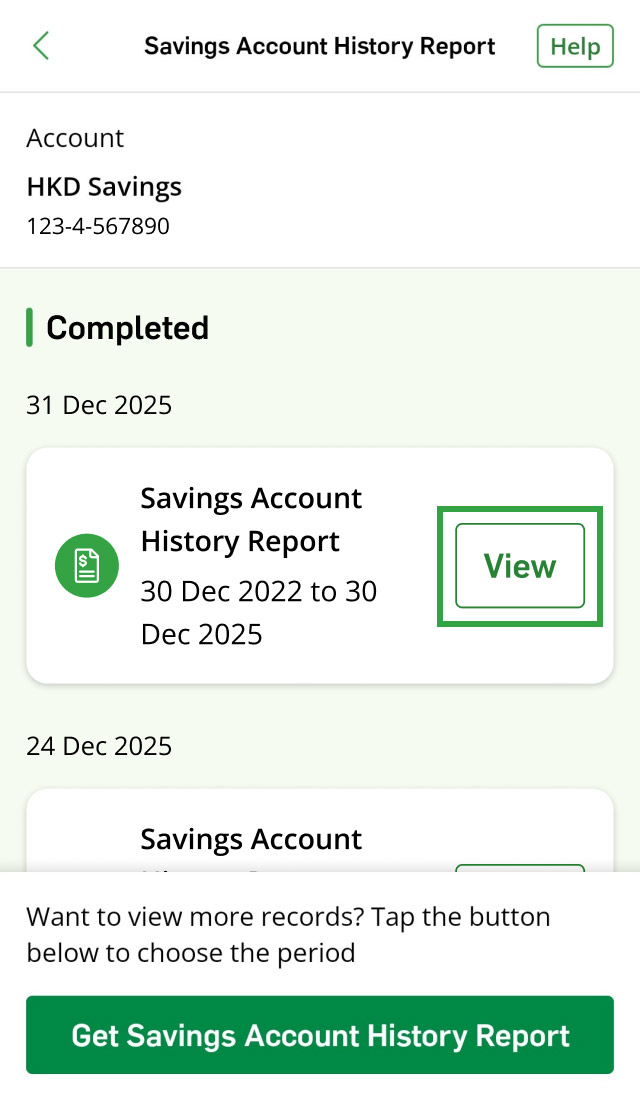
If you are a Hang Seng e-Banking customer, simply log on to the Hang Seng Mobile App to enjoy the enhanced interface. You can view your HKD Passbook Savings Account transaction records from the past 2 years and request a Savings Account History Report covering the past 7 years, including entries printed in the physical passbook and net back items.
Please visit any branch in person to complete the application.
Please bring an Android or iOS mobile phone that supports Near Field Communication (NFC) and can receive SMS.
e-Passbook is supported on:
For NFC functionality and antenna location, please refer to your device manufacturer’s website.
Actual performance of e-Passbook and the Hang Seng Mobile App may vary by device. Software / firmware versions, NFC detection area, OS settings, operating environment, and network connection can all affect how the app reads your e-Passbook.
No, you can only view transaction records with e-Passbook.
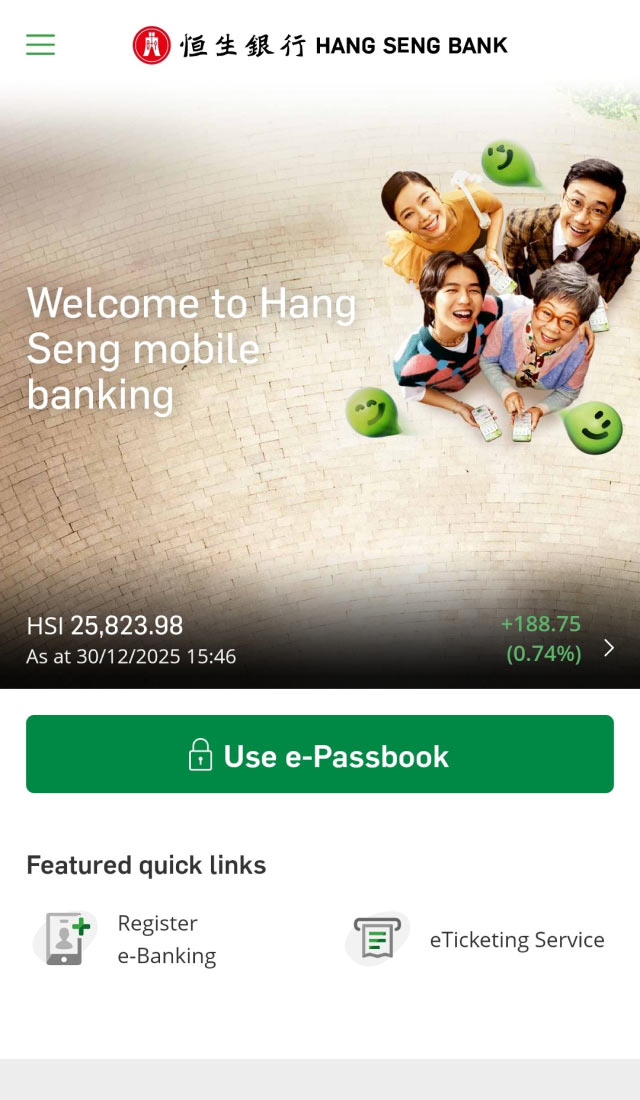
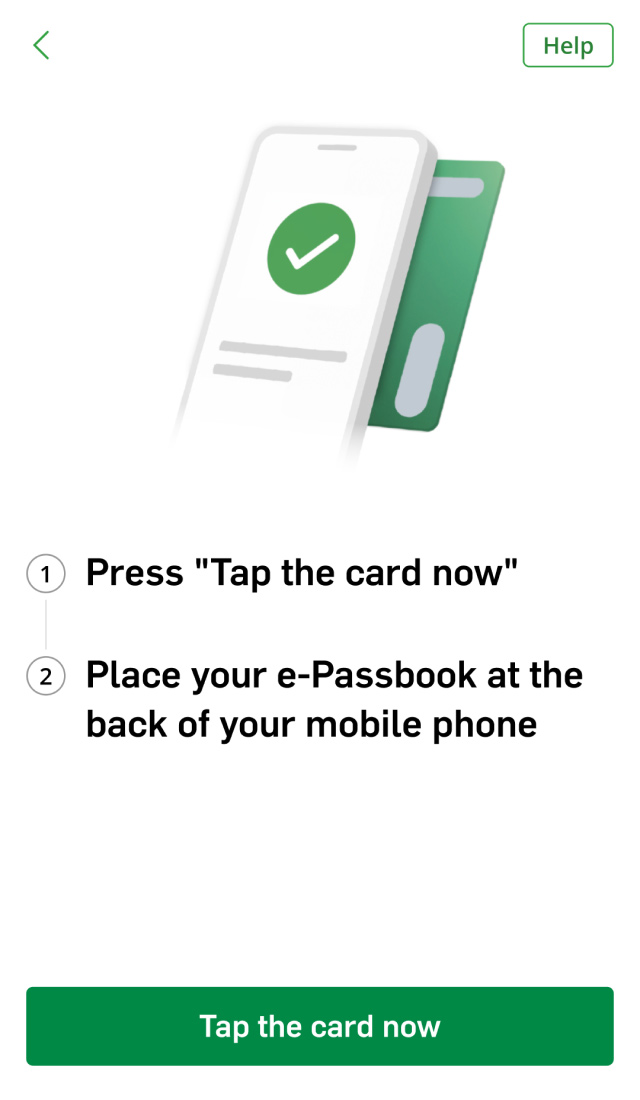
You can open Hang Seng Mobile App, tap “Use e-Passbook” to check transaction records within the past 2 years by tapping the card.
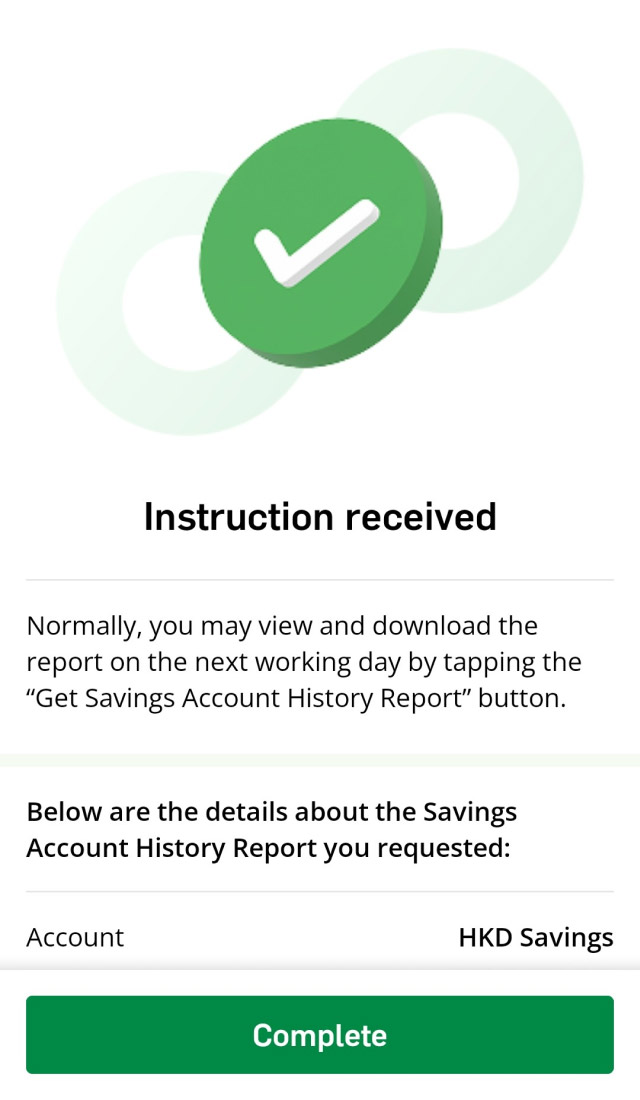
If you wish to view transaction history within the last 7 years, you can also tap “Get savings account history report" at the bottom of the transaction records page.
Please review the records carefully to see if there are any errors, discrepancies, unauthorized debits or other transactions or entries arising from whatever cause. Transaction records may occasionally take longer to appear due to system upgrades or maintenance, you can check the system maintenance schedule on our website.
No, using e-Passbook is completely free.
You should call our 24-hour Card Lost Reporting Hotline (852) 2836 0838 as soon as reasonably practicable to report your case for us to unbind your e-Passbook promptly.
You need to unbind your existing e-Passbook and complete the binding process again with a new card in our branch. Please note that your existing card will be permanently disabled.