We use cookies to give you the best possible experience on our website. By continuing to browse this site, you give consent for cookies to be used. For more details, please read our Online Terms & Conditions, Privacy Policy, Cookies Policy and Personal Information Collection Statement.
We recommend using a computer web browser or Hang Seng Mobile App to log on for enhanced security. Please visit "Security Information Centre" for more security tips.



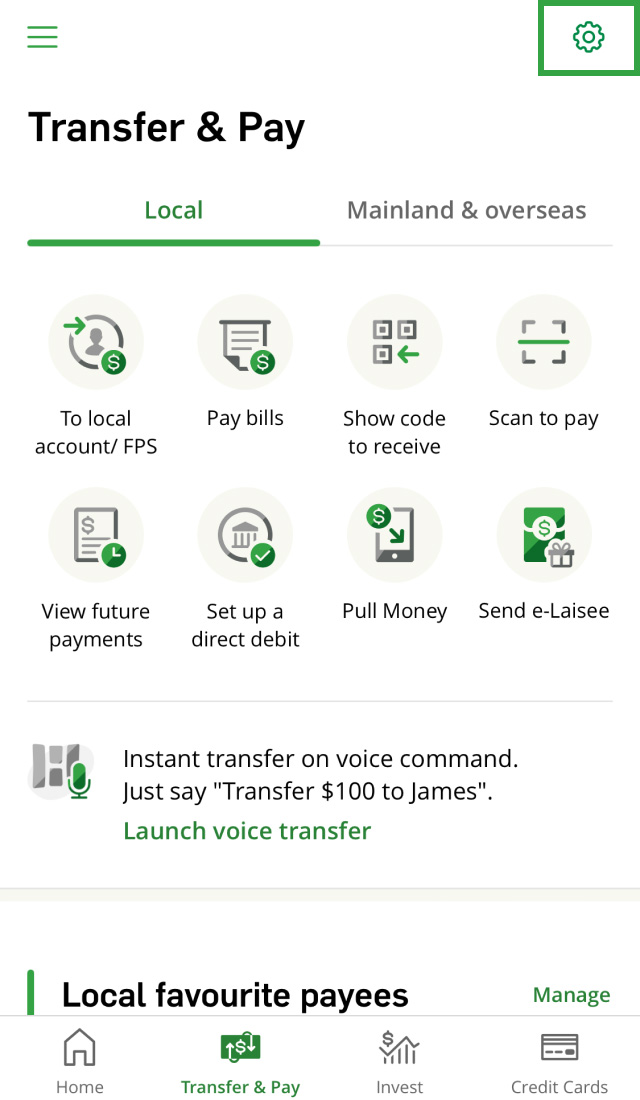
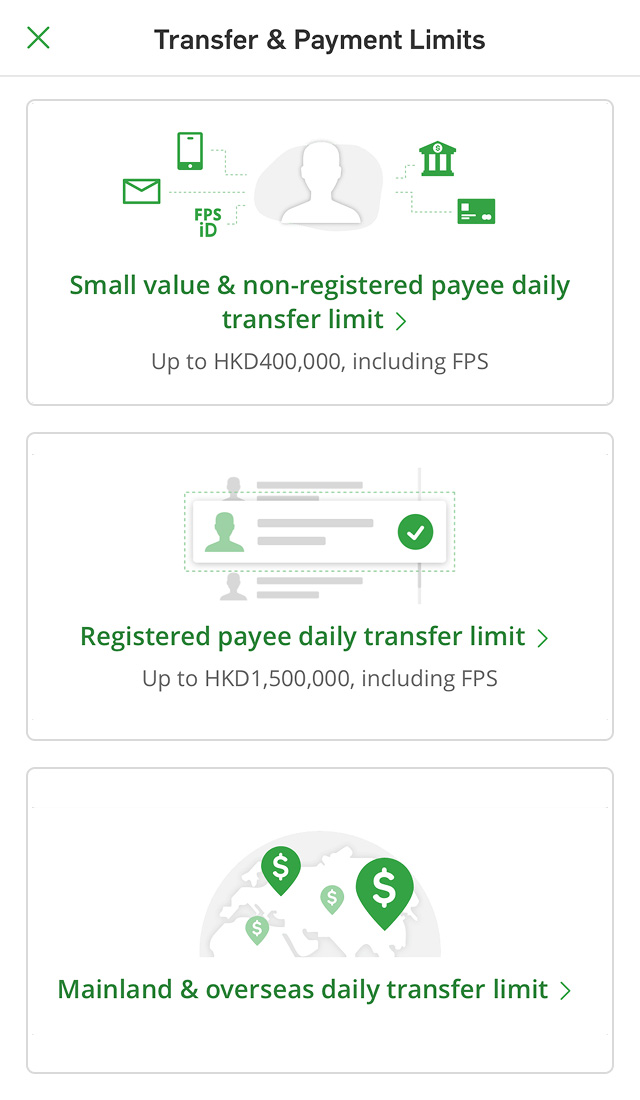
For your account's protection, you'll need to set your transfer and bill payment limits1 before making any transactions. You can manage limits for local, cross-border2, overseas transfers and bill payments categories, on Hang Seng Mobile App or Personal e-Banking.
Please note, transactions that exceed your set limit won't be processed. You can refer to the examples below for help.

For example:
Before your first transfer, you'll need to set:
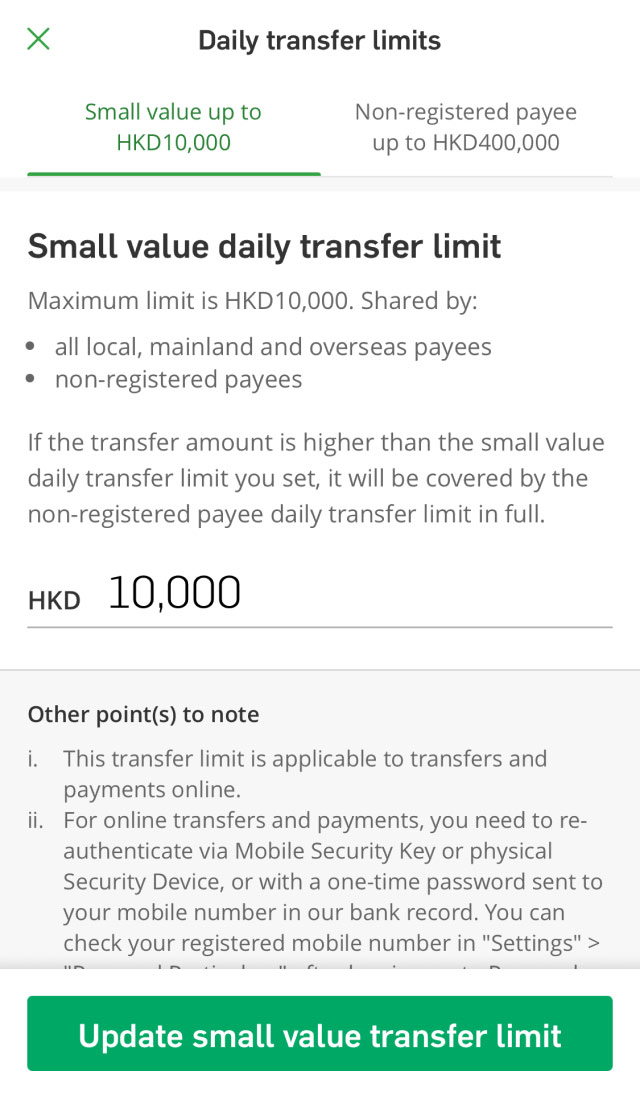
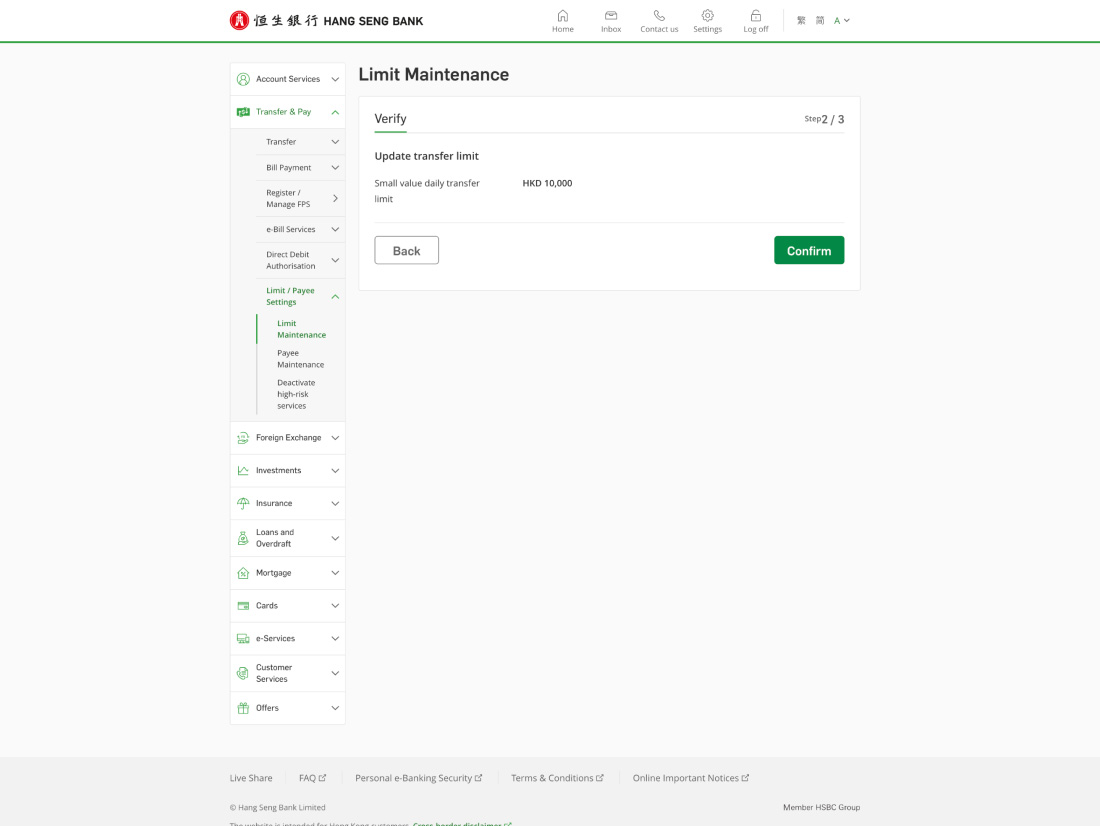
Small value daily transfer limit3 (up to HKD10K)
For example:
Before your first transfer, you'll need to set:
Non-registered payee daily transfer limit3 (up to HKD400K)
For example:
Before your first transfer, you'll need to set:


Channels:
Before your first transfer, you'll need to set Mainland & overseas daily transfer limit (up to HKD1.5M), along with:
Channel:
Before your first transfer, you'll need to set:
Mainland & overseas daily transfer limit (up to HKD1.5M) and Small value daily transfer limit3 (up to HKD10K)

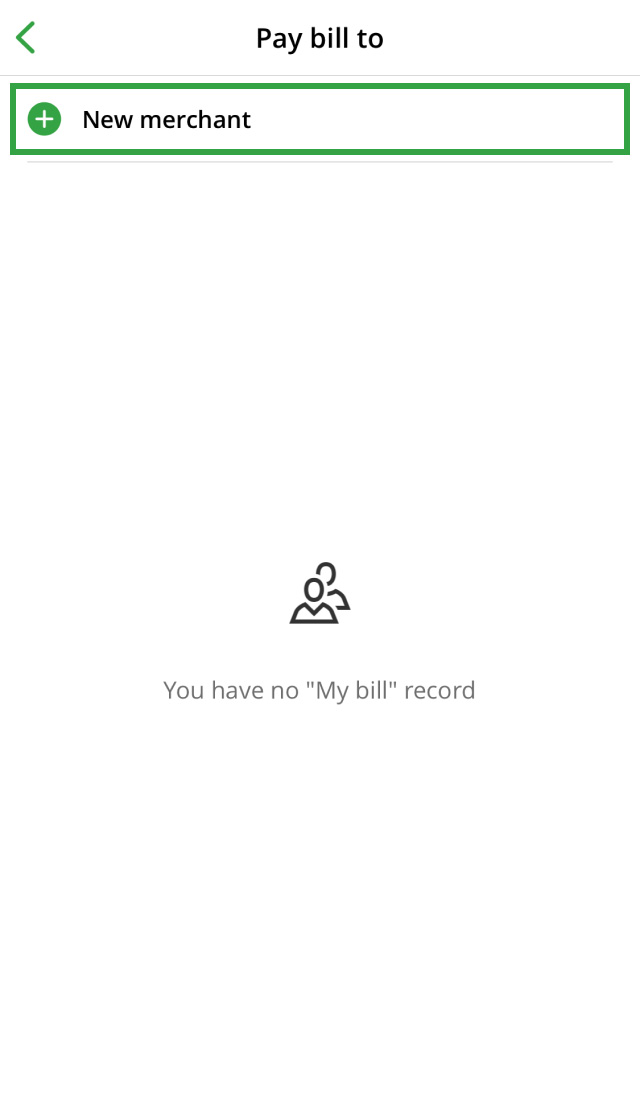
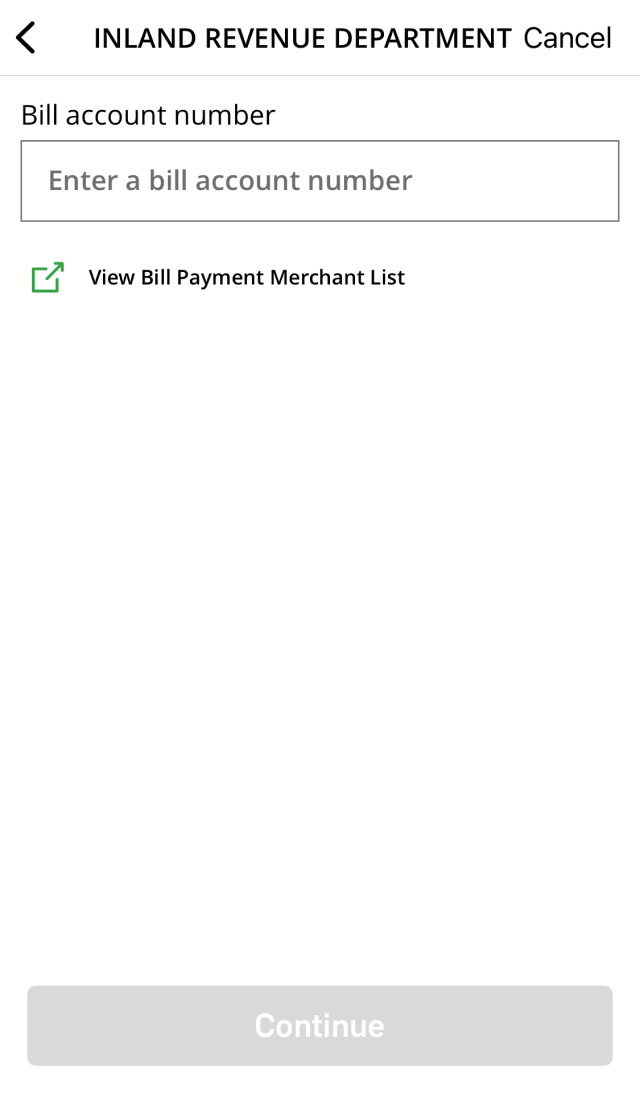
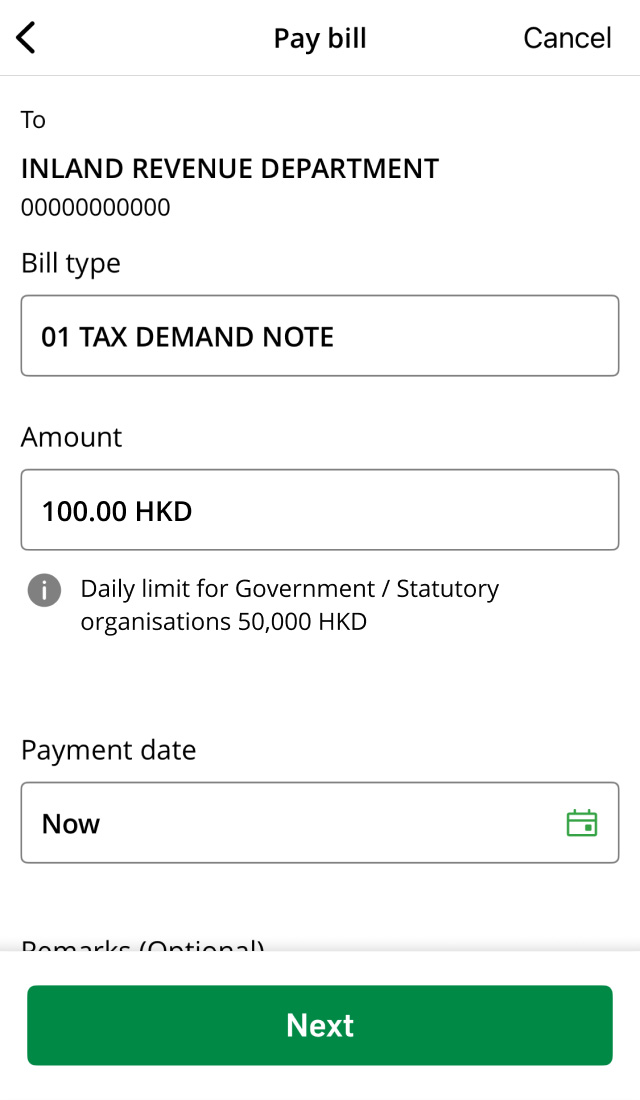
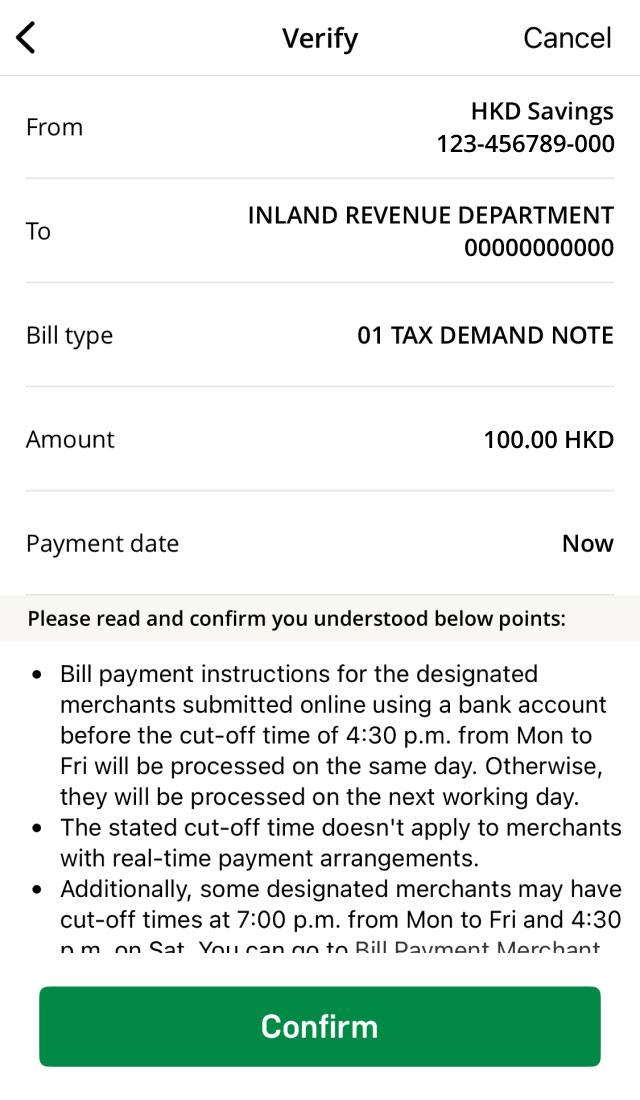
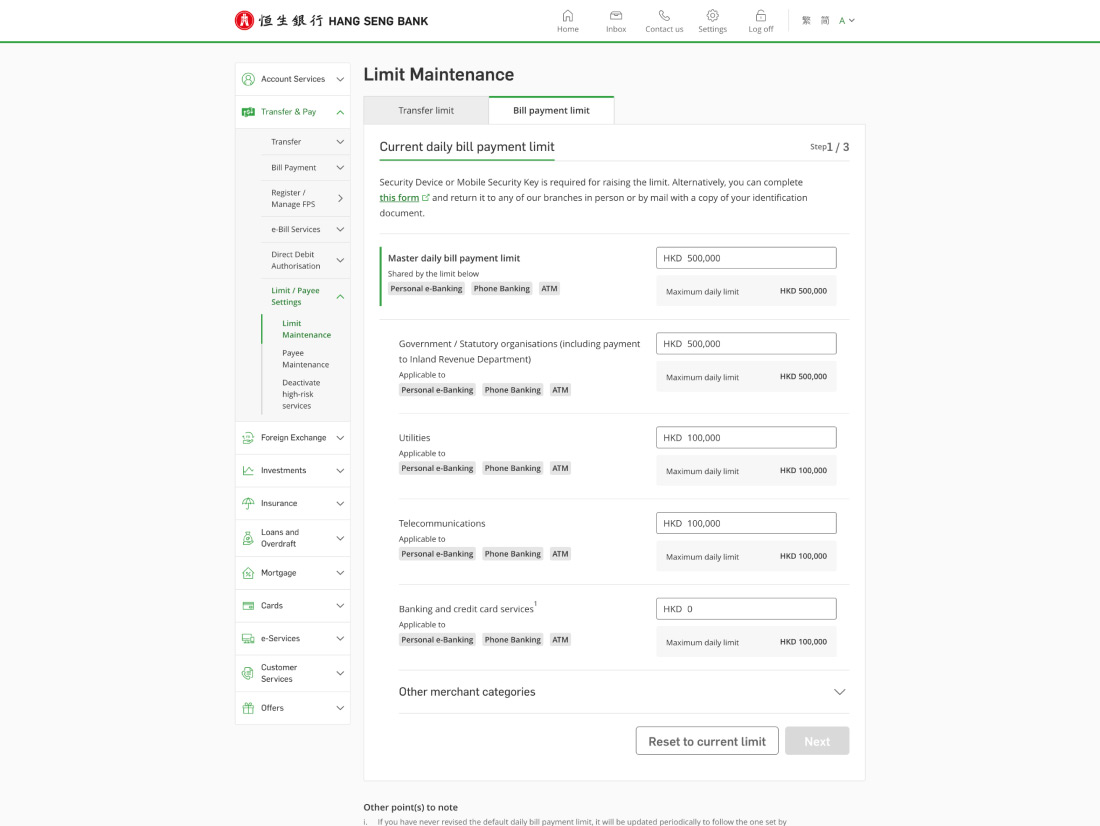
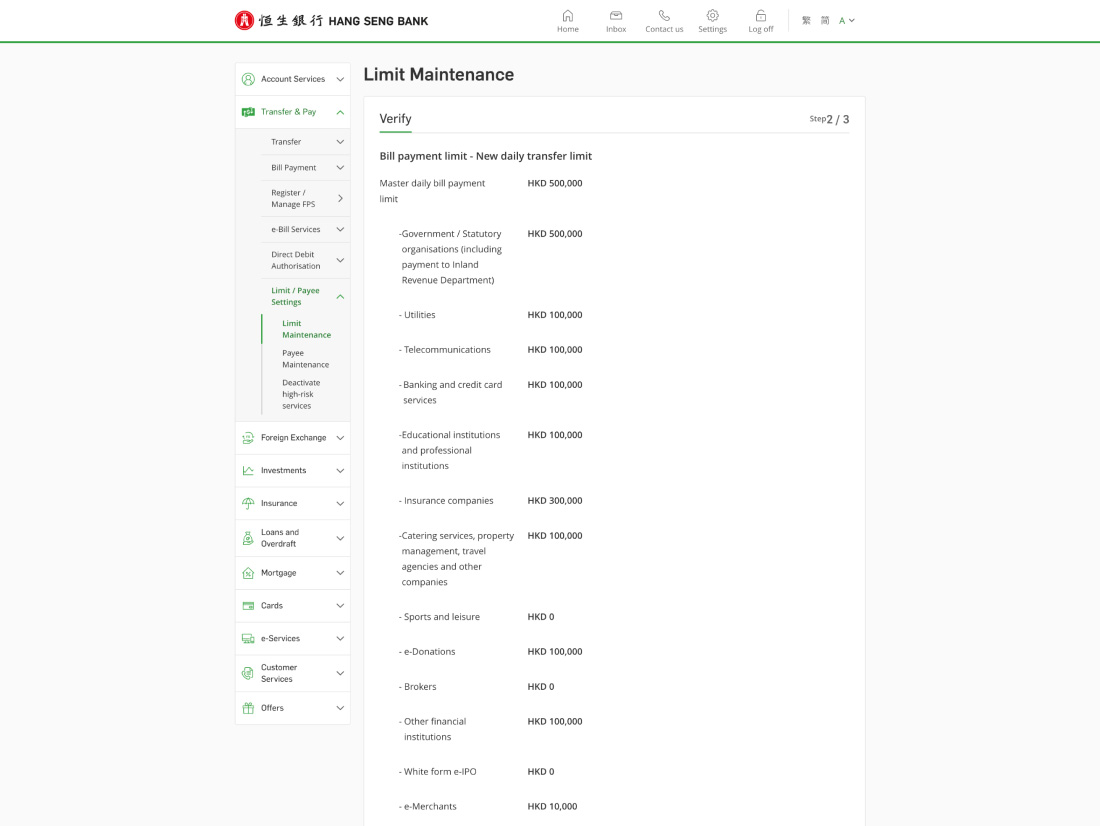
The bill payment master limit can be set up to HKD500K, subject to the merchant category:
| Merchant category | Daily bill payment limit (HKD) |
|---|---|
| Brokers5,6 | 500K per category |
| Government / statutory organisations | |
| Sports and leisure5,6 | |
| White Form eIPO |
| Insurance companies | 300K per category |
| Banking and credit card services5,6 | 100K per category |
| Catering services, property management, travel agencies and other companies | |
| e-Donation | |
| Educational institutions and professional institutions | |
| Other financial institutions5,6 | |
| Telecommunications | |
| Utilities | |
| e-Merchants | 10K per category |






Download Hang Seng Mobile App via APK file

Anti-fraud tips
To protect your account from scams, you can deactivate the online transfer limit increase or online registration of new payees.
The transfer limits you need to set depend on the payee and transfer type. You can check the details in the table below:
| Registered payee | Non-registered payee | Merchant | |
|---|---|---|---|
| Local transfer (including JustPay) |
|
|
N/A |
| Cross-border transfer Overseas transfer |
|
|
N/A |
| FPS × PromptPay QR payment | N/A | N/A |
|
| Payment Connect | N/A |
|
N/A |
| e-Laisee | Small value daily transfer limit | Small value daily transfer limit | N/A |
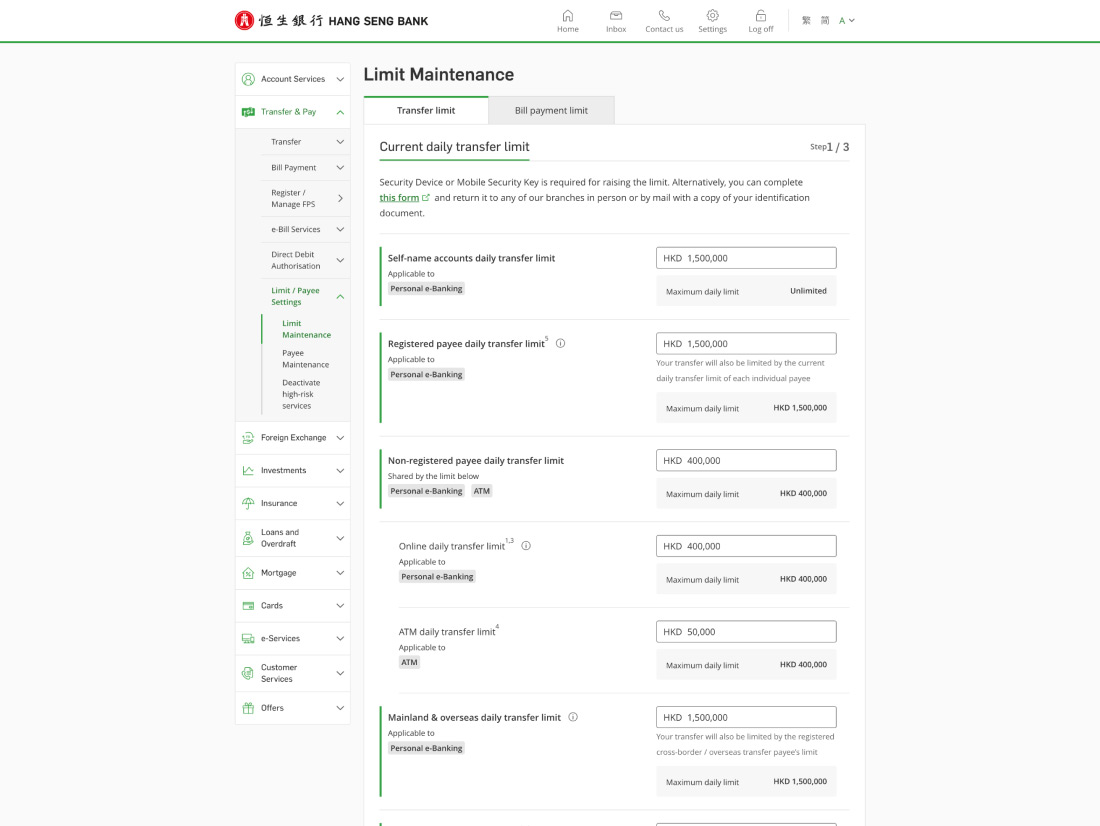
Each transfer type has its own daily transfer limit. You can check the details in the table below:
| Transfer types | Channels | Maximum daily transfer limit (HKD) |
|---|---|---|
| Transfers between your self-named Hang Seng accounts |
|
Unlimited |
| Transfer to registered payees (including third-party Hang Seng accounts, other local bank accounts, Mainland China and/or overseas accounts) |
|
1.5M |
| Transfer to non-registered payees |
|
400K |
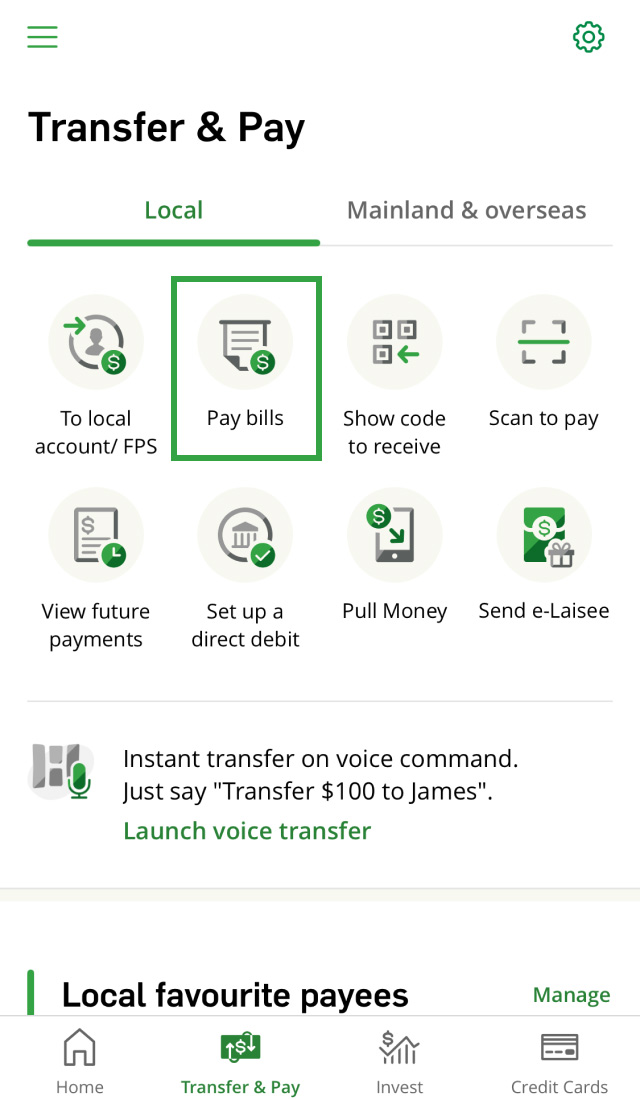
You can update your transfer limits in JustPay, but not your bill payment limits.
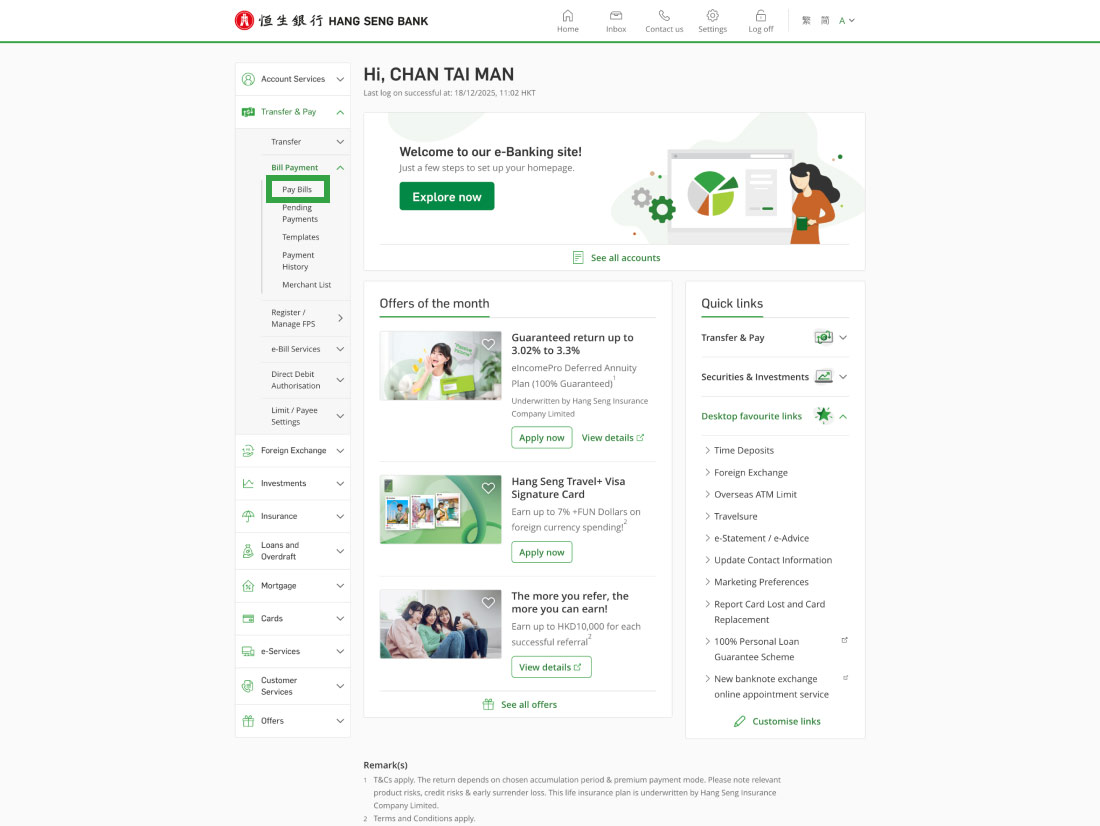
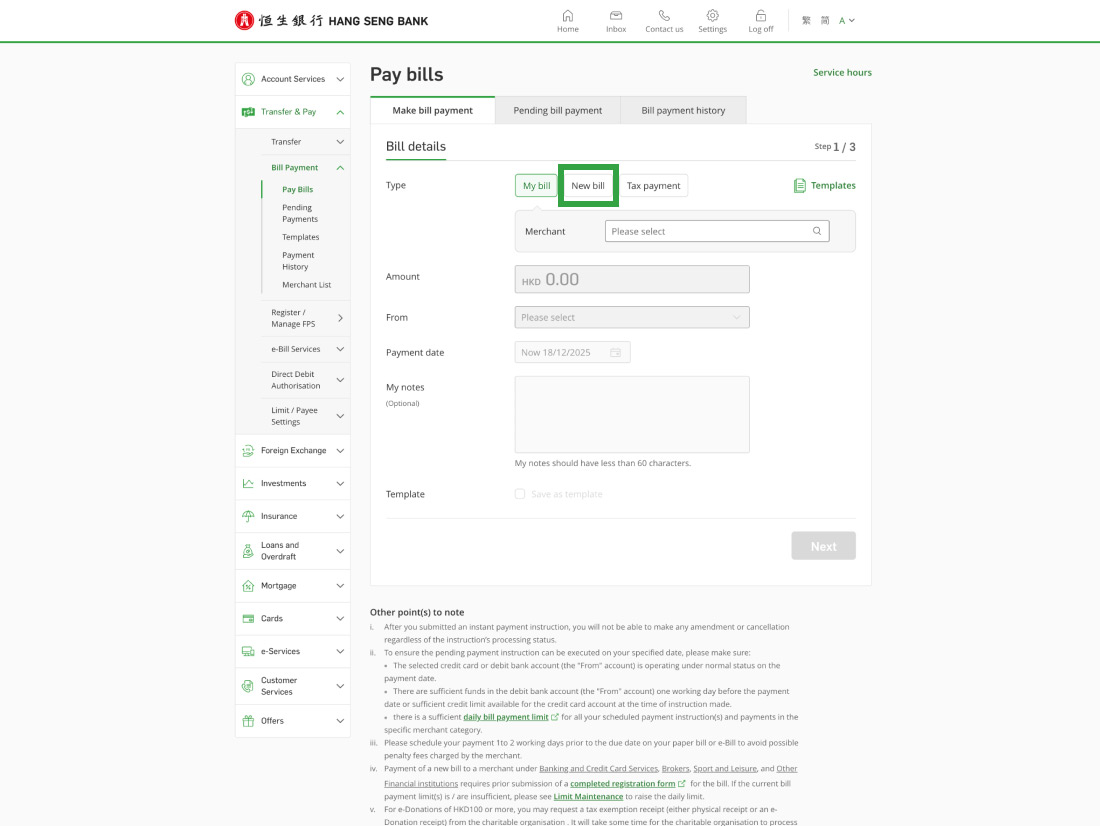
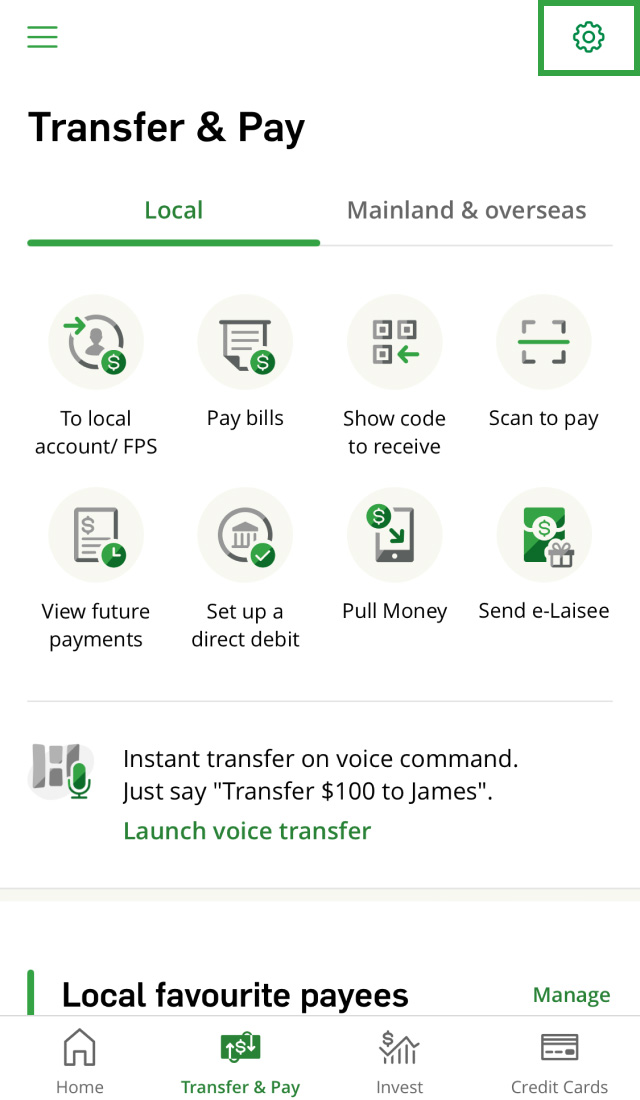
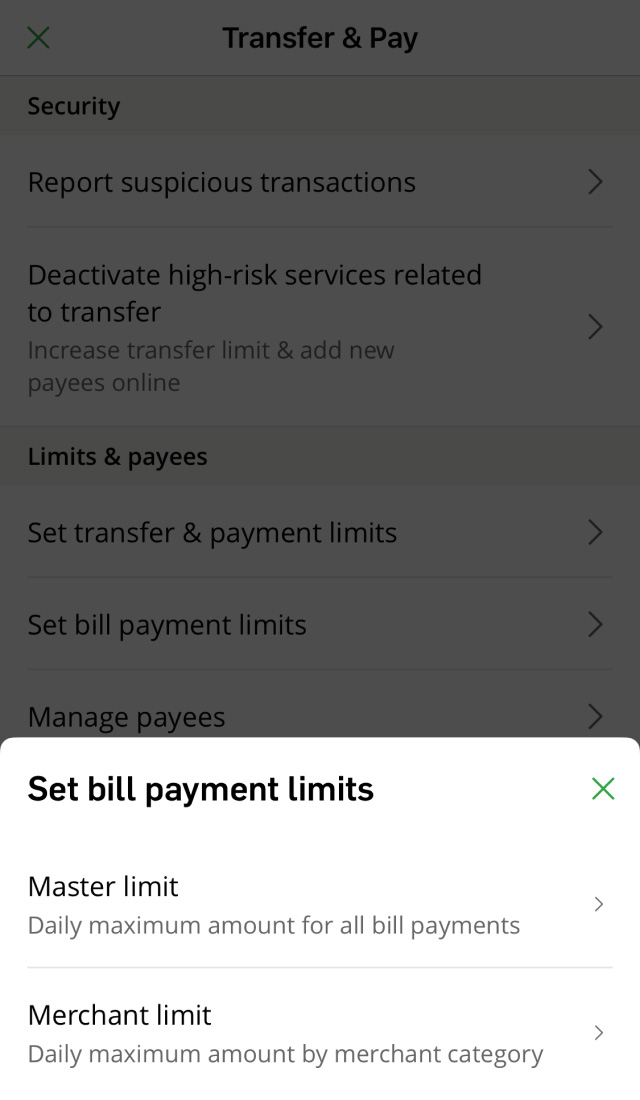
To update your bill payment limits, please go to the Full Mode. Here're the steps:
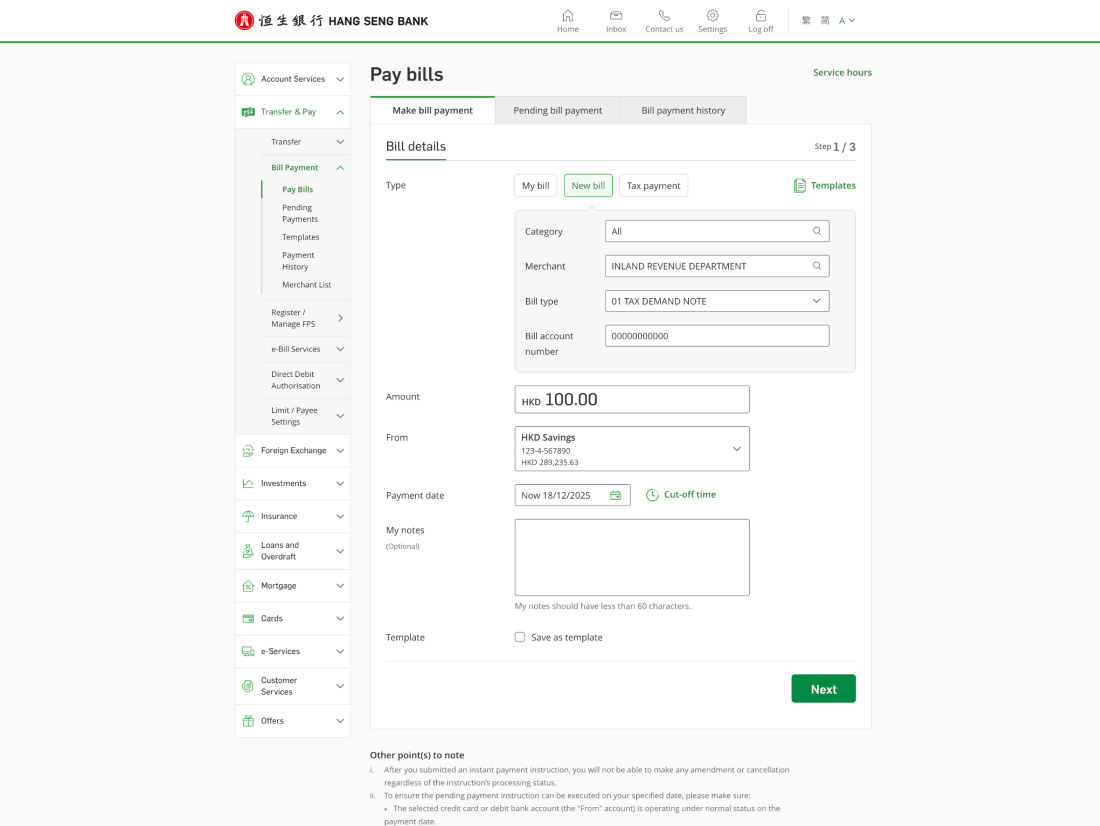
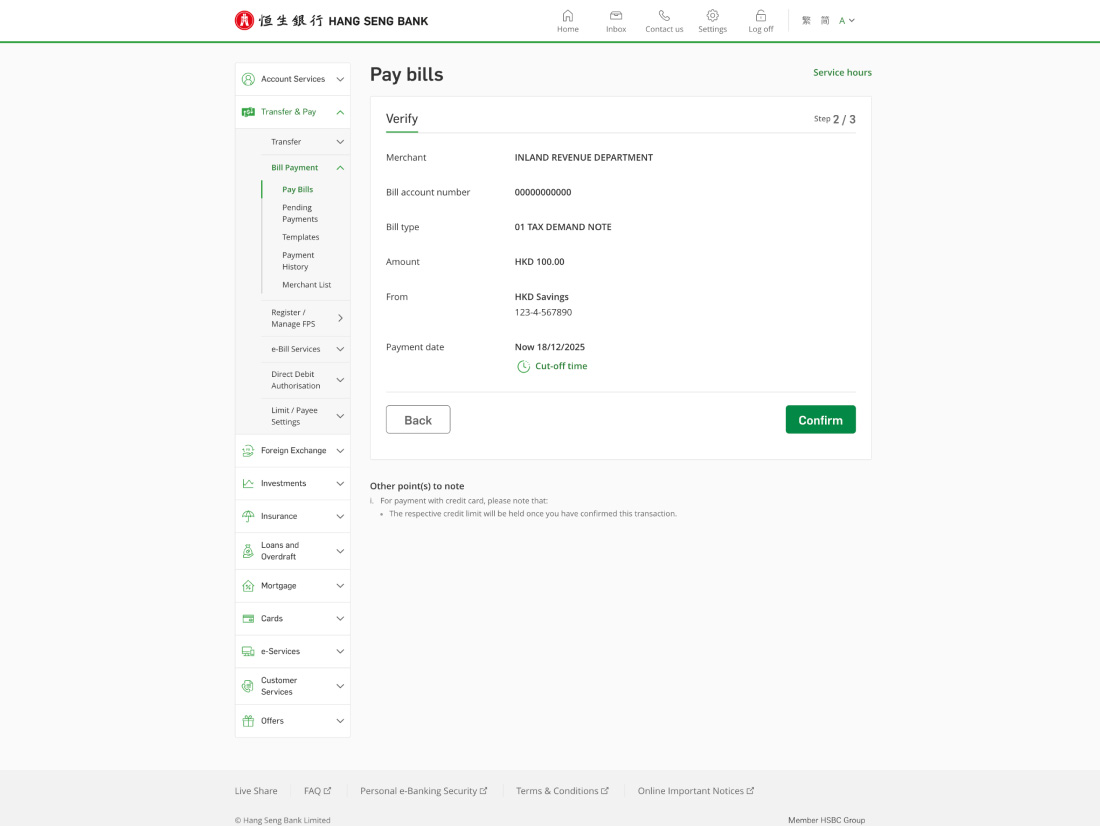
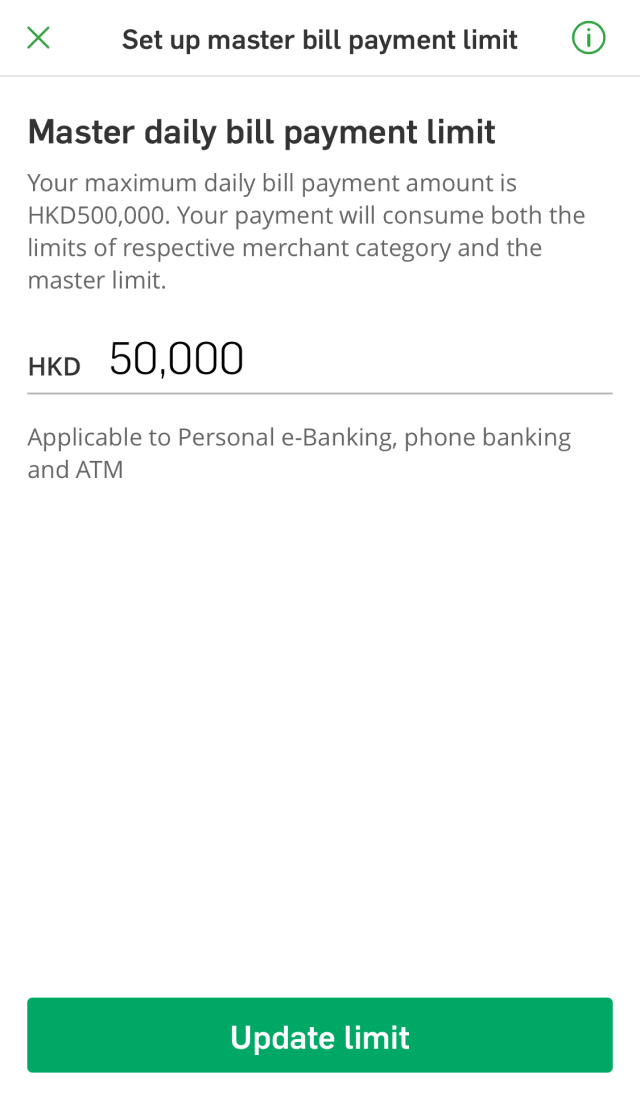
Then, you can follow the steps in "Set bill payment limits" to update your bill payment limit.
The default bill payment limit for merchants under banking and credit card services, brokers, sport and leisure is $0. You can set your bill payment master limit to up to HKD500K. The daily bill payment limit includes all bill payments made across all channels on the same day, including Hang Seng Mobile App, Personal e-Banking, ATM and Phone Banking.
Each merchant category has its own daily bill payment limit. For more details, please refer to What are transfer and bill payment limits for?
Yes, you can easily raise or lower your daily bill payment limit at any time using Hang Seng Mobile App or Personal e-Banking. Simply follow the steps in Set bill payment limits. To raise your limit, you'll need to follow the on-screen instructions to verify the transaction. Please make sure that your phone number is valid in our record. The new limit will take effect immediately.
Alternatively, you can complete the e-Banking Daily Limit Maintenance Form and return it to any of our branches in person or by mail with a copy of your ID document. The new limit will take effect approximately 3 working days after we receive the form.
If you haven't used Hang Seng Mobile App, Personal e-Banking, ATM or Phone Banking to pay online merchants for more than 13 months, the bill payment limit for that merchant category will reset to $0.
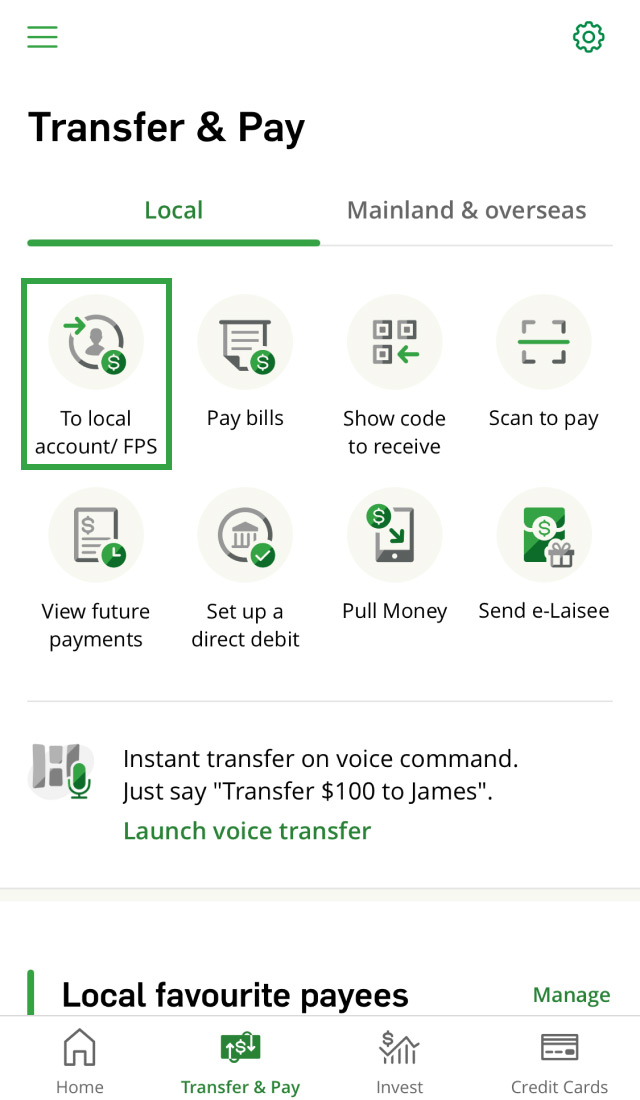
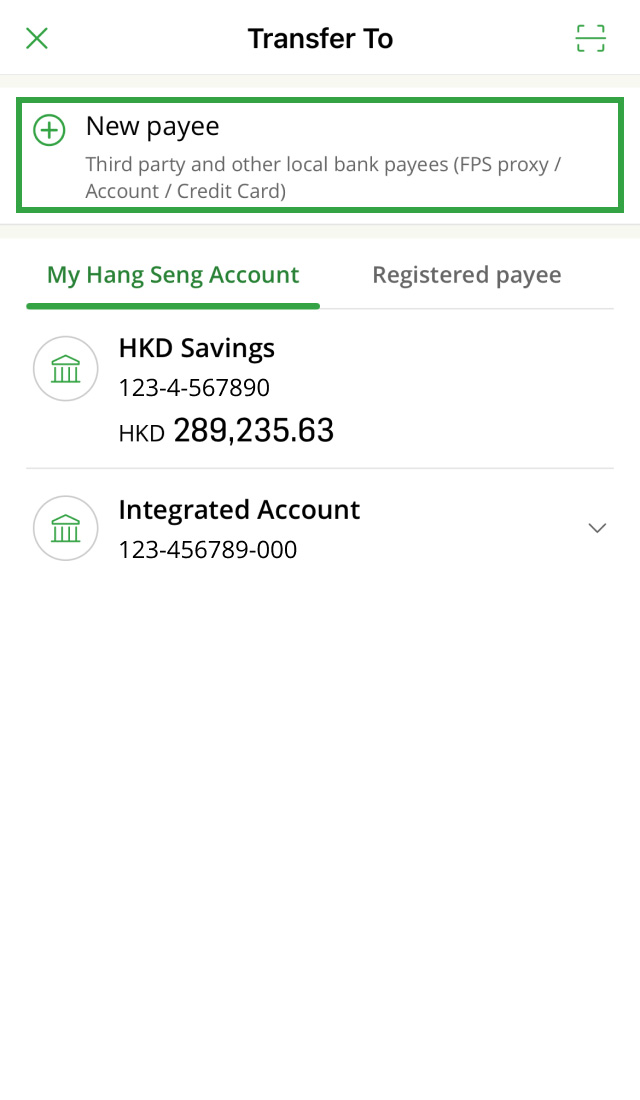
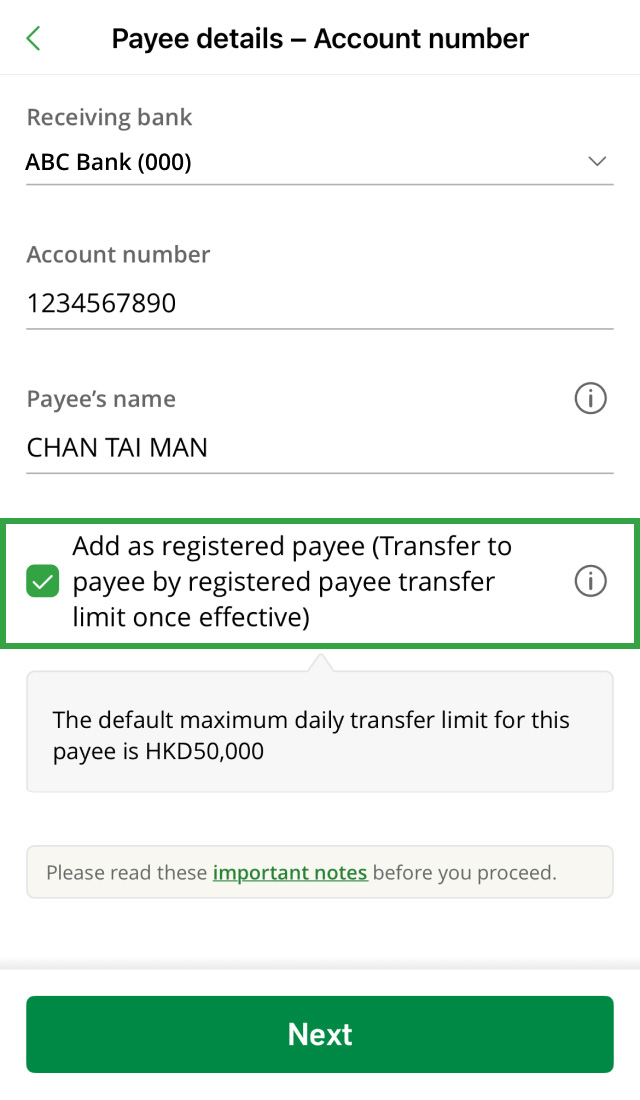
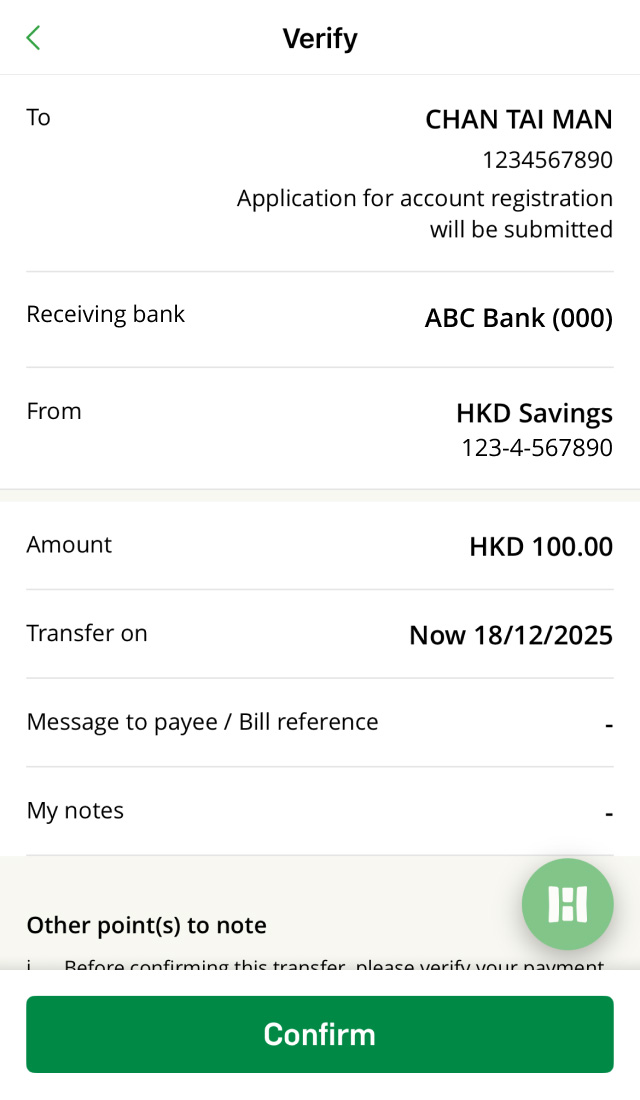
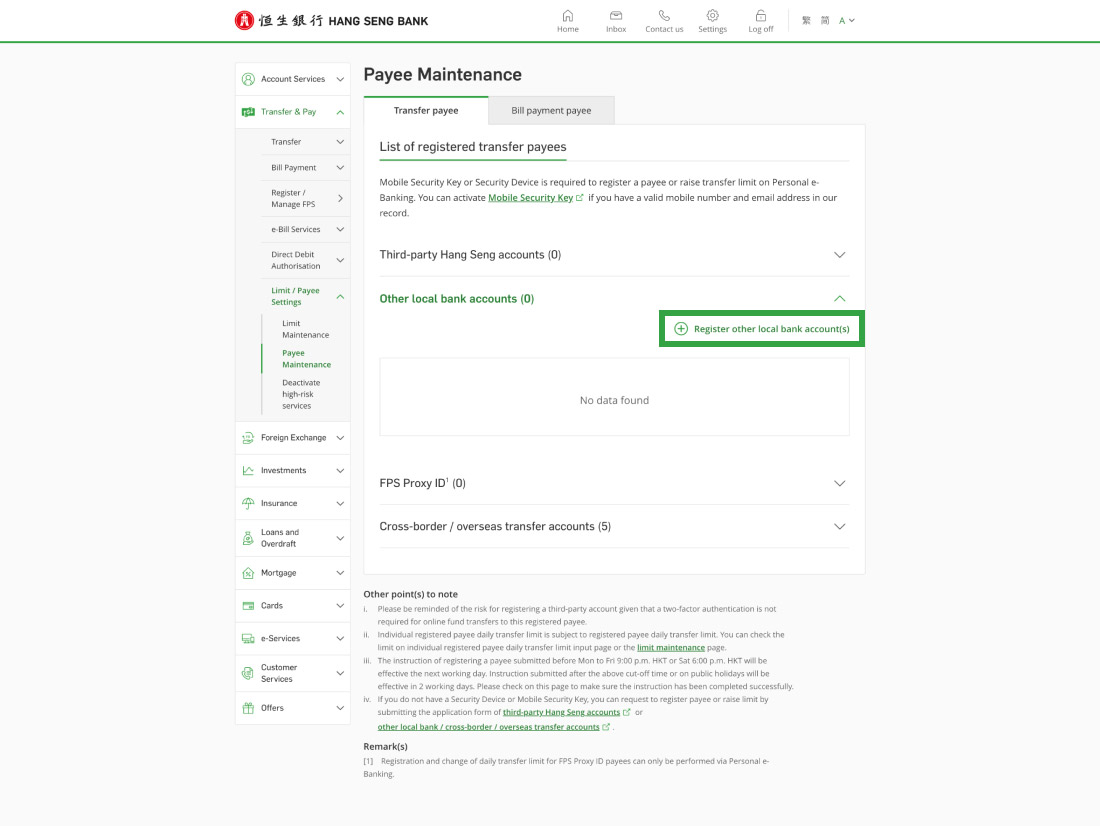
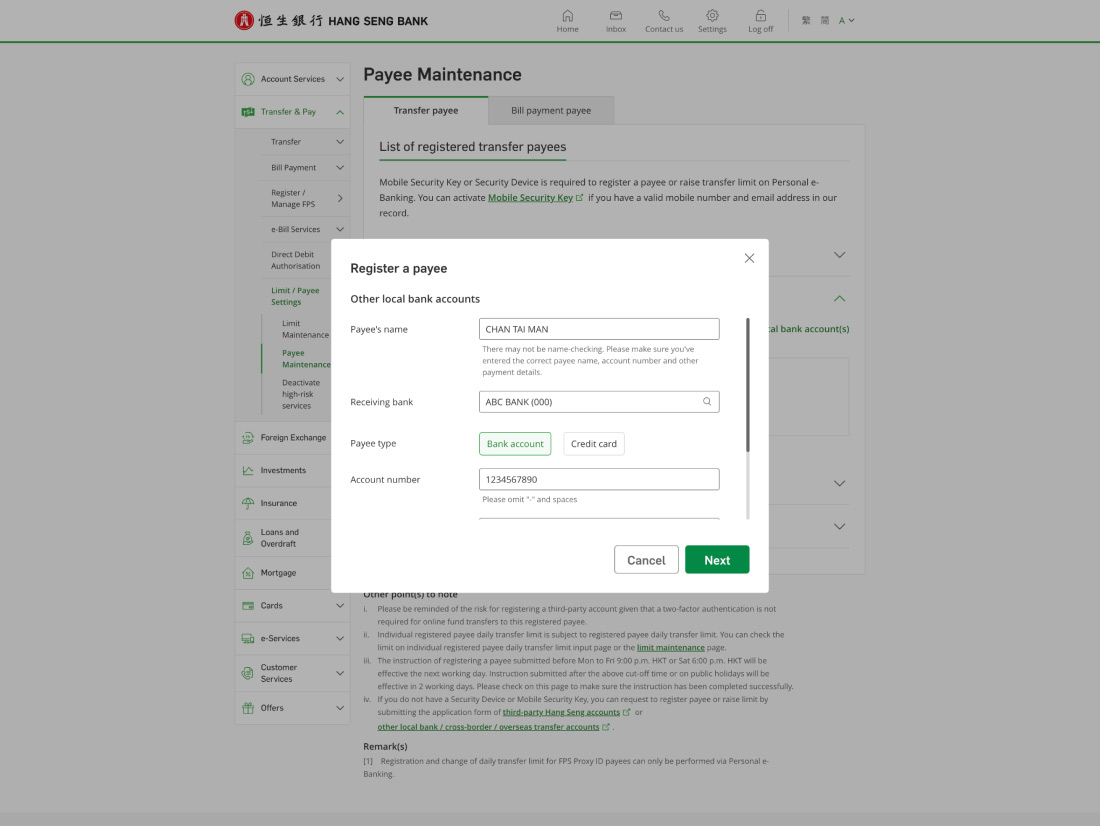
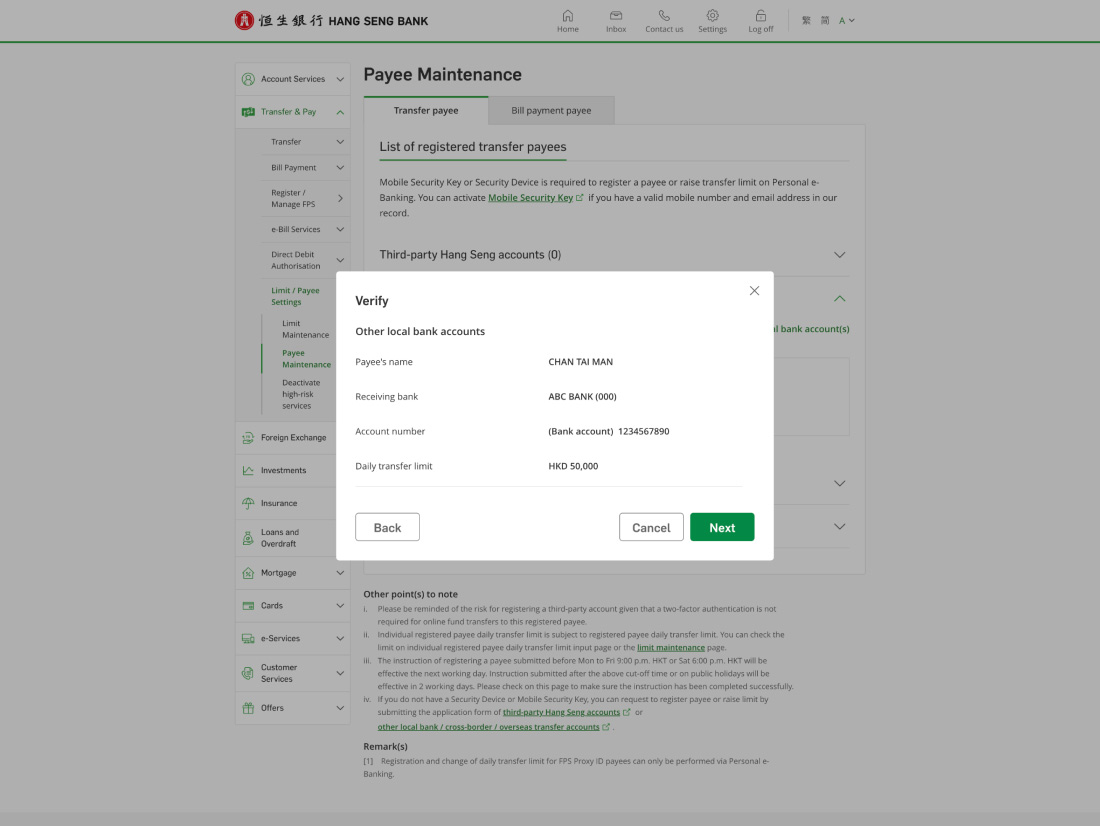
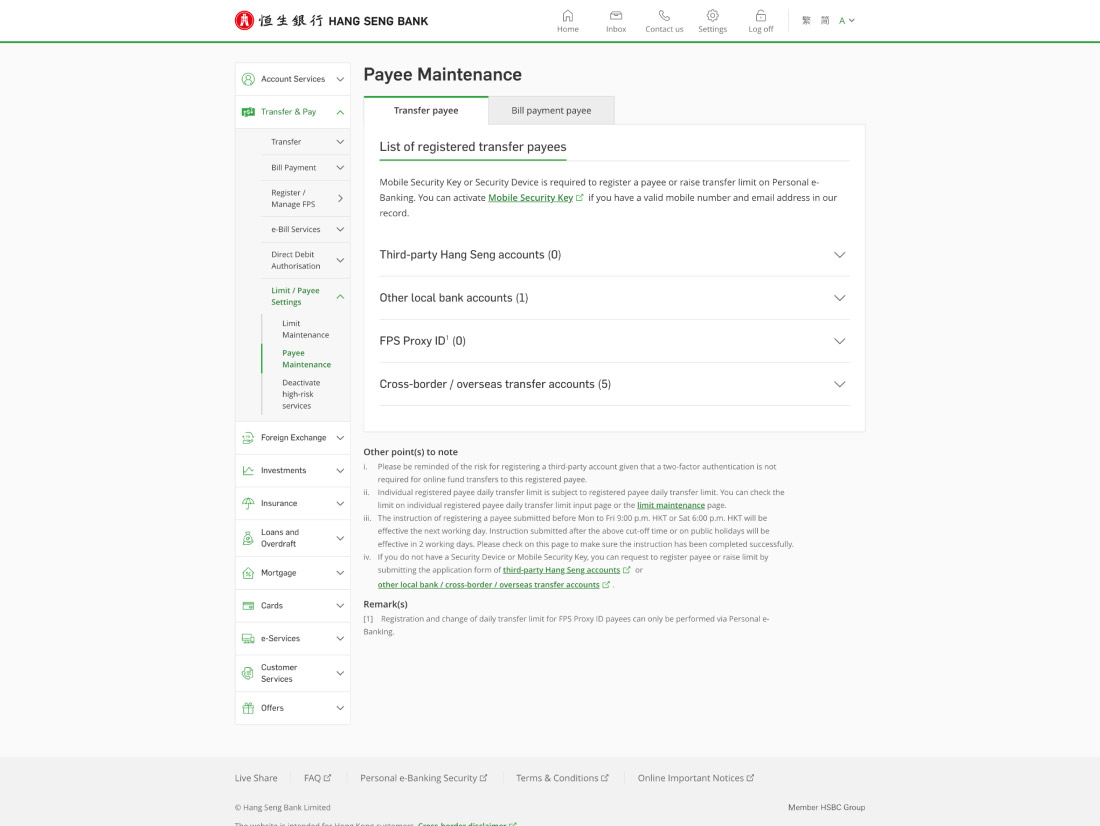
You can add a new "registered payee" in the following ways:
Please note, if you want to register a payee using the FPS proxy ID, you can only do it via Hang Seng Mobile App or Personal e-Banking.
The instruction to register a payee will take effect on the next working day (excluding Suns and public holidays).
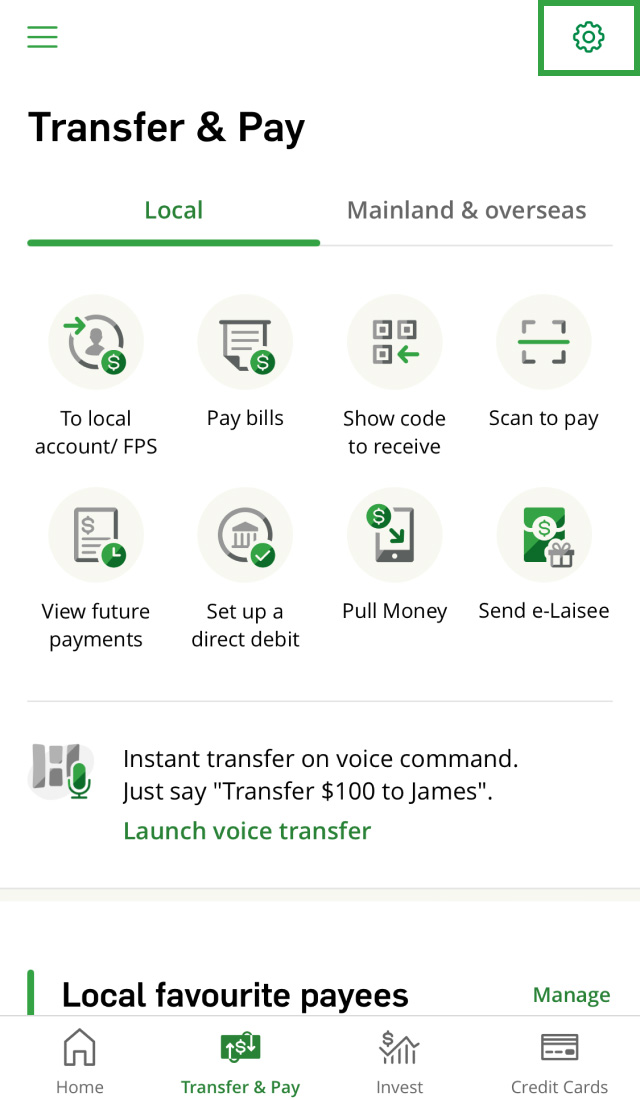
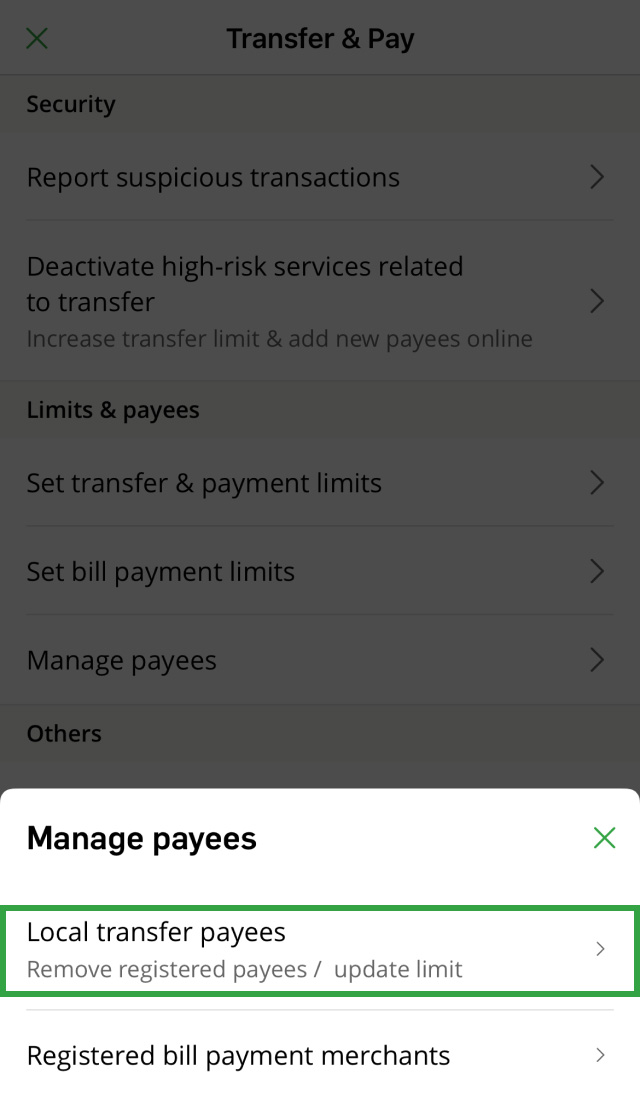
Yes, you can delete a registered payee using Hang Seng Mobile App, Personal e-Banking or Phone Banking (if you have a Phone Banking PIN). Please refer to Manage your payees for the steps.
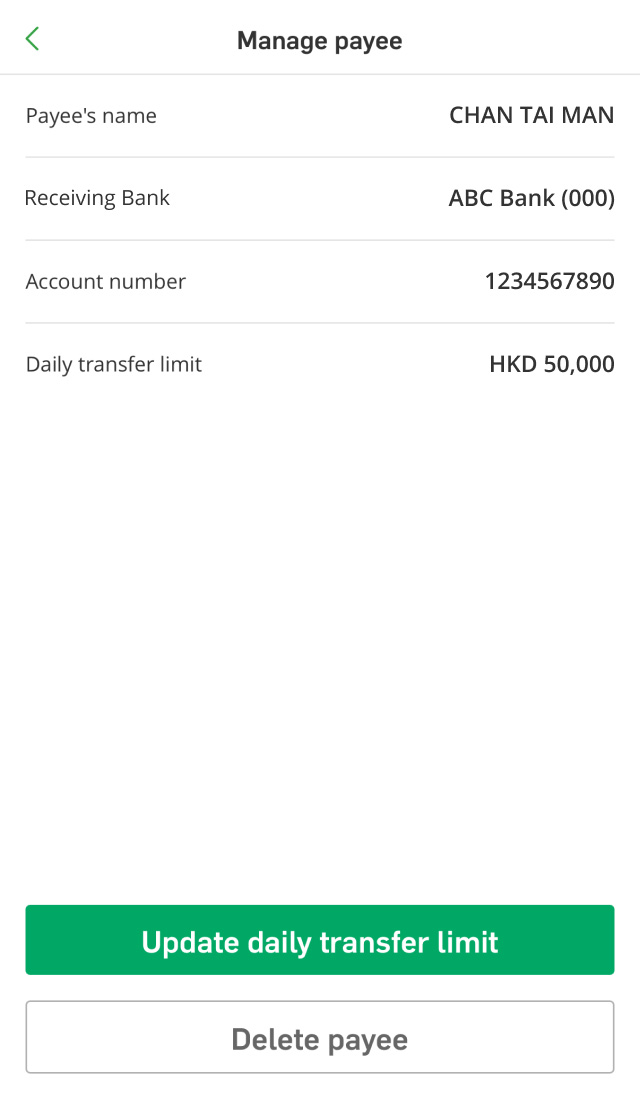
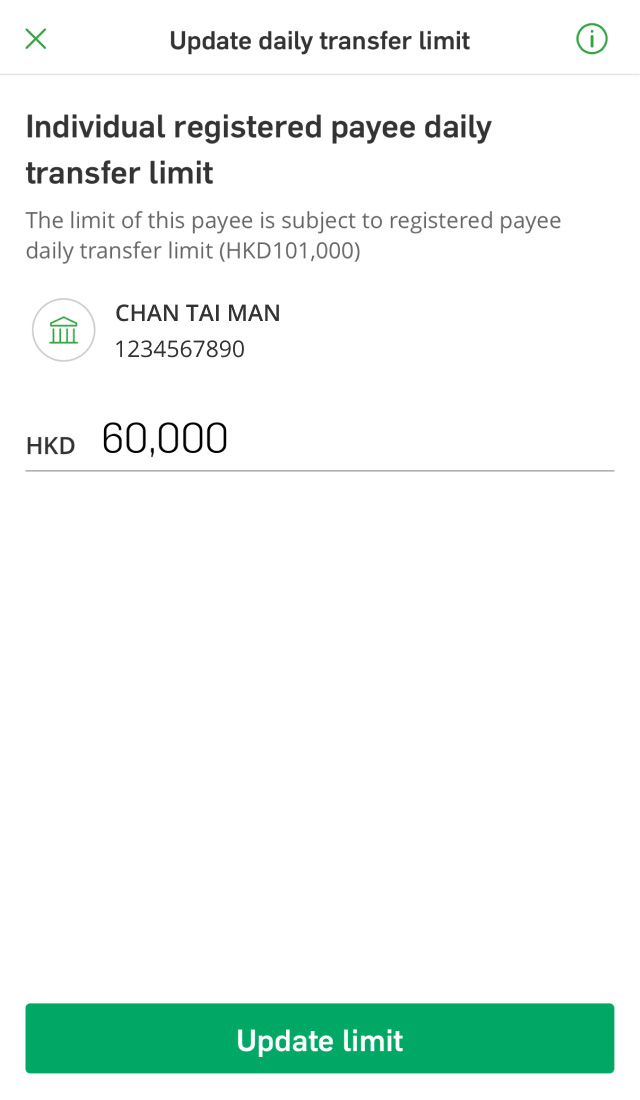
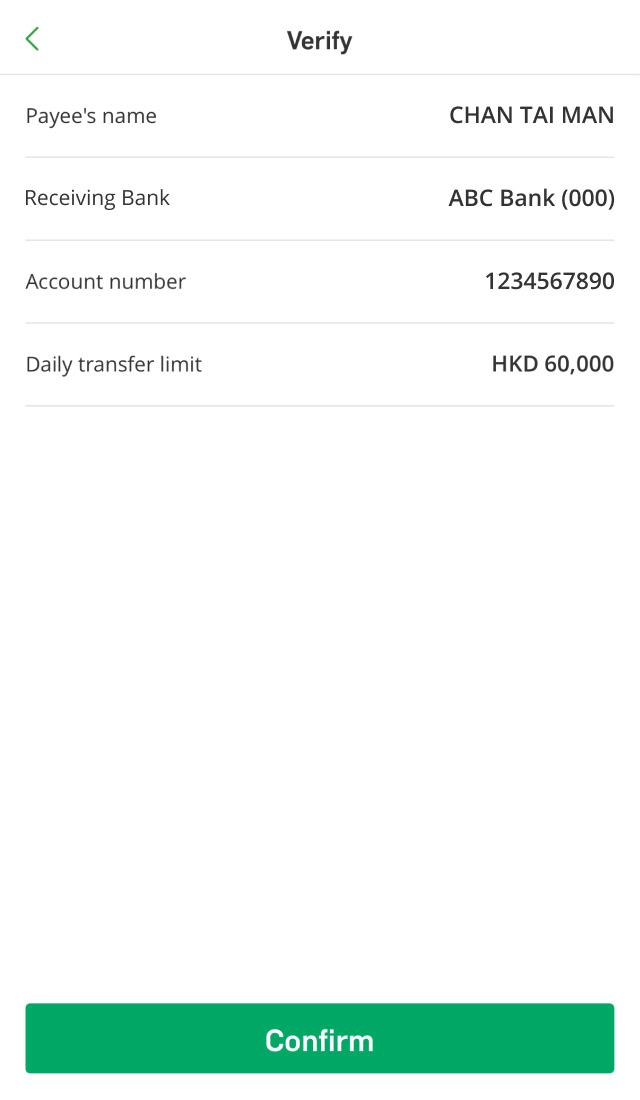
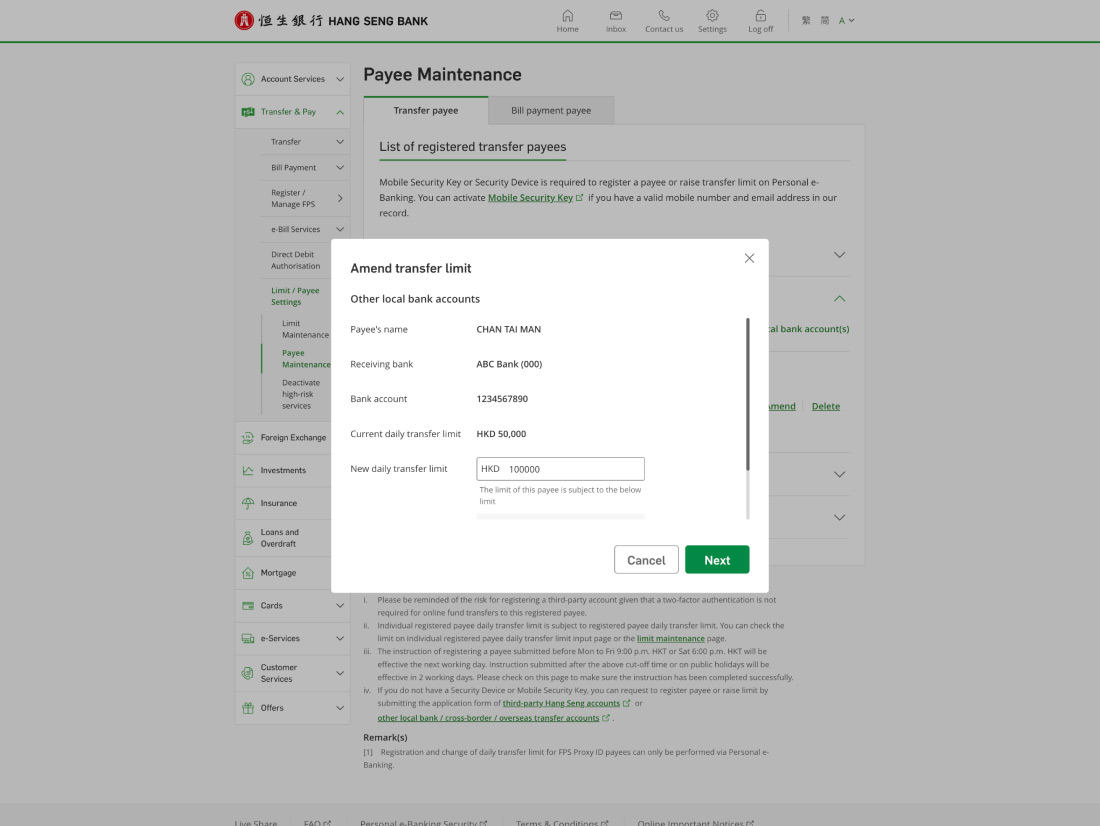
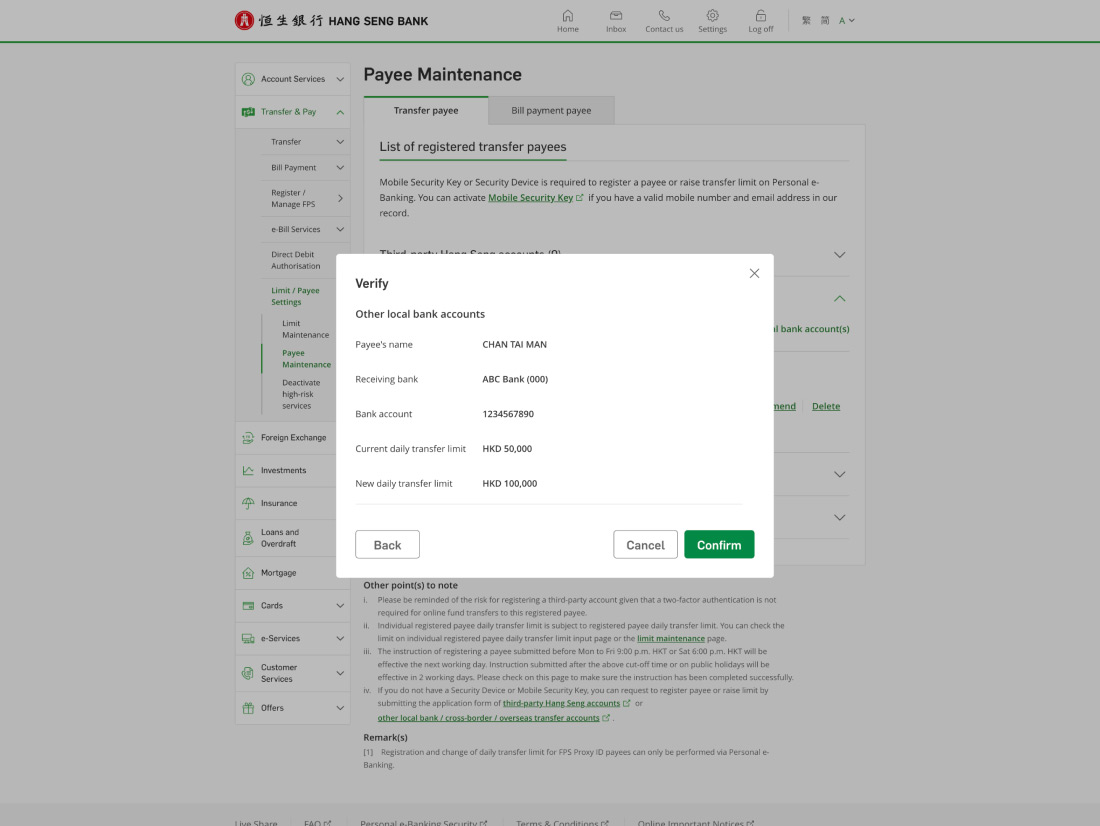
You can update the daily transfer limit for an individual registered payee in the following ways:
Please note, if your payee is registered using the FPS proxy ID, you can only update the limit via Hang Seng Mobile App or Personal e-Banking.
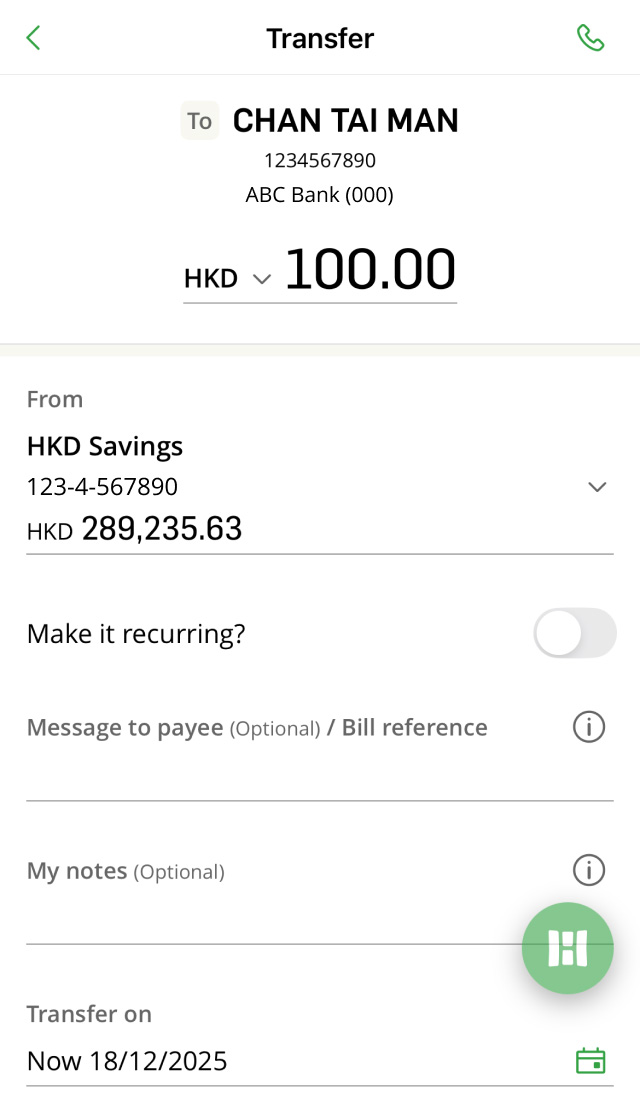
You can transfer up to HKD1.5M per day to each registered payee. Please note, this limit can't be higher than the Registered payee daily transfer master limit. To update the limit, please refer to Set transfer limits for the steps.
When making a transfer to a registered payee, you'll see a "remaining master daily limit" below the amount, which refers to the total remaining transfer limit for all registered payees for that day.
Each registered payee also has an individual daily transfer limit. When you register a new payee, we'll set their individual daily transfer limit to HKD50K by default. You can check and update your daily transfer limit via Hang Seng Mobile App and Personal e-Banking, please refer to Set transfer limits for the steps.
Please make sure you have enough remaining limit for both your Registered payee daily transfer master limit and Individual registered payee daily transfer limit.
When making a transfer to a new payee, you'll see two limits below the amount, which are the Small value daily transfer limit and Non-registered payee daily transfer limit. If your transfer amount exceeds the remaining Small value daily transfer limit, the non-registered payee daily transfer limit will be used.
The Non-registered payee daily transfer limit covers both online and ATM transactions. if you've made a transfer to a new payee via ATM on the same day, it'll affect your remaining limit for online transfers. You can check and update your daily transfer limit via Hang Seng Mobile App and Personal e-Banking, please refer to Set transfer limits for the steps.
Please note, even if you choose "New payee" when transferring to a registered payee, your transfers will still be subject to the Registered payee daily transfer limit.
If you don't regularly make big or frequent transfers, you can choose to better protect your account from scams by deactivating the online transfer limit increase and online registration of new payees through Hang Seng Mobile App and Personal e-Banking, based on your everyday needs.
Please note that if you wish to reactivate the service, you'll need to visit a branch in person (except MTR station offices and mobile branches) with your identification document and a phone that can receive SMS to contact our staff.
After deactivating the online transfer limit increase service, you won't be able to increase your transfer limits through Personal e-Banking and Hang Seng Mobile App, for example:
You can still:
If you deactivate online registration for new payees, you won't be able to add new payees via Hang Seng Mobile App or Personal e-Banking. However, you can still remove existing payees and update the Individual registered payee daily transfer limit (if needed).
Yes, you can still make transfers as long as the transfer amount is within your current set transfer limit.
You can deactivate high risk services related to transfer through the following methods:
Yes, after successfully deactivating the high-risk services related to transfer, you'll receive a confirmation via SMS, email and/or push notification (if enabled). If you don't receive any notification, please contact us at (852) 2822 0228.
Get 24/7 support from our Virtual Assistant.