We use cookies to give you the best possible experience on our website. By continuing to browse this site, you give consent for cookies to be used. For more details, please read our Online Terms & Conditions, Privacy Policy, Cookies Policy and Personal Information Collection Statement.
We recommend using a computer web browser or Hang Seng Mobile App to log on for enhanced security. Please visit "Security Information Centre" for more security tips.



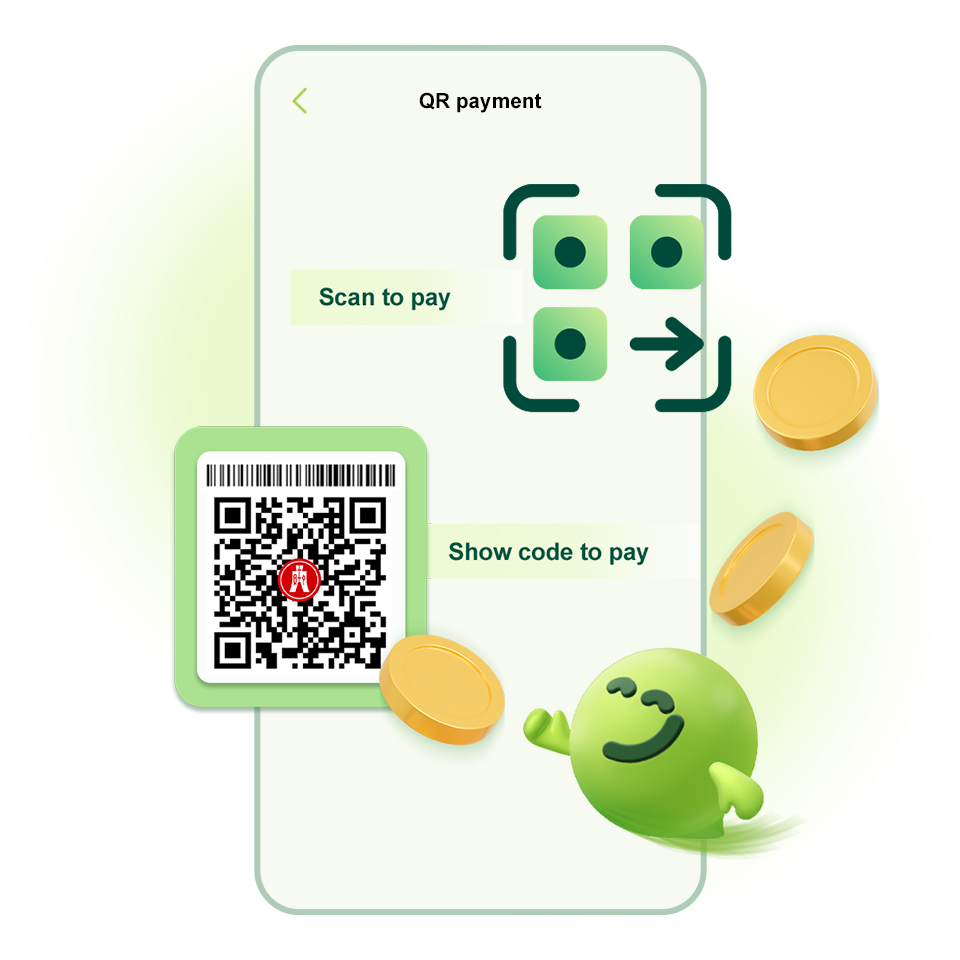
Whenever you see the Alipay+ logo at merchants, simply scan their QR codes or show yours to pay! You can now use it in Macau and Singapore, with more countries / regions available soon!
No need to exchange foreign currency before your trip. Just scan or show a QR code using Hang Seng Mobile App or JustPay to pay directly in HKD with no handling fees.
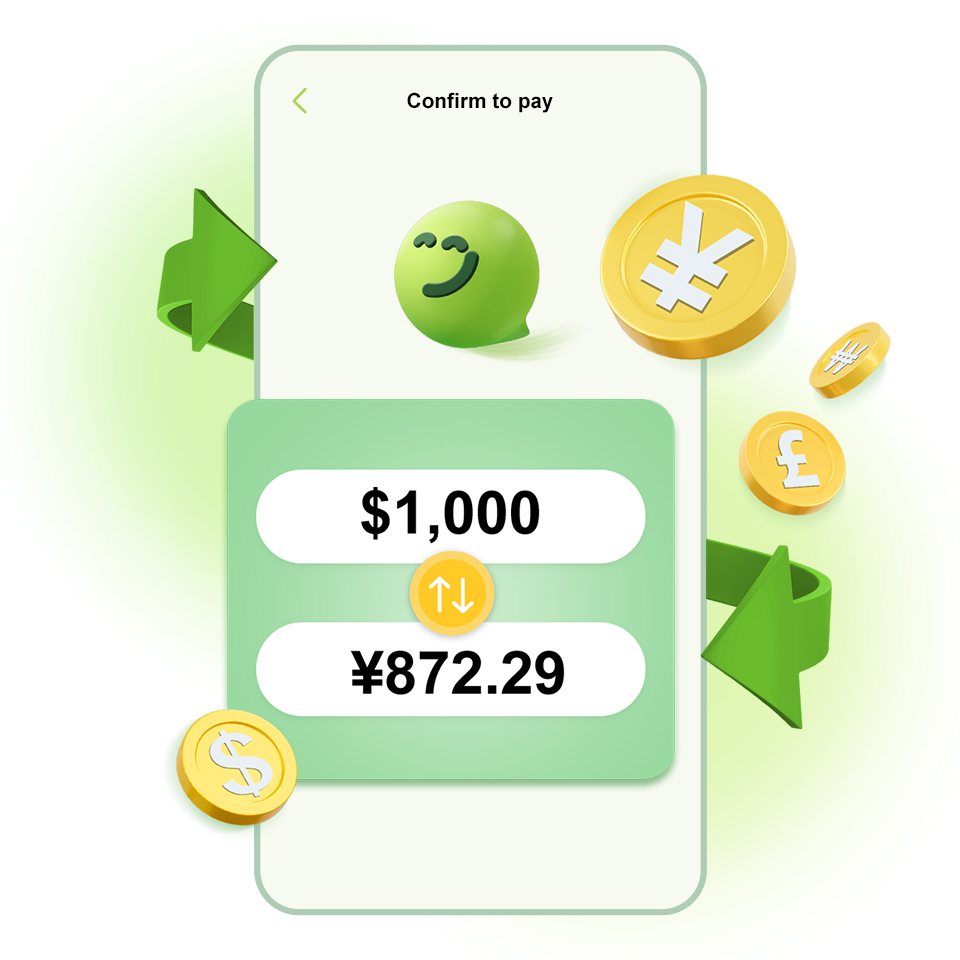
The exchange rate is clearly shown before you confirm, so you'll always know how much you're paying. Spend across the border with better peace of mind.
Transaction record is clear at a glance, including the amount and merchant name, making it simple to manage your travel expenses.

Don't worry! As long as you see the Alipay+ logo at merchants, you can use Hang Seng Mobile App or JustPay to scan or show the QR code to pay. We'll automatically convert the amount to HKD and deduct it from your account, so you can shop with ease!
You won’t have to trouble friends to pay on your behalf. Just set your transfer limits and you can use Hang Seng Mobile App or JustPay for QR payments instantly, saving you the hassle of splitting bills for a more relaxing trip.
After paying, you can check your transaction record immediately to track your spending in real time, so you can stay on top of your budget wherever you are.



Download Hang Seng Mobile App via APK file
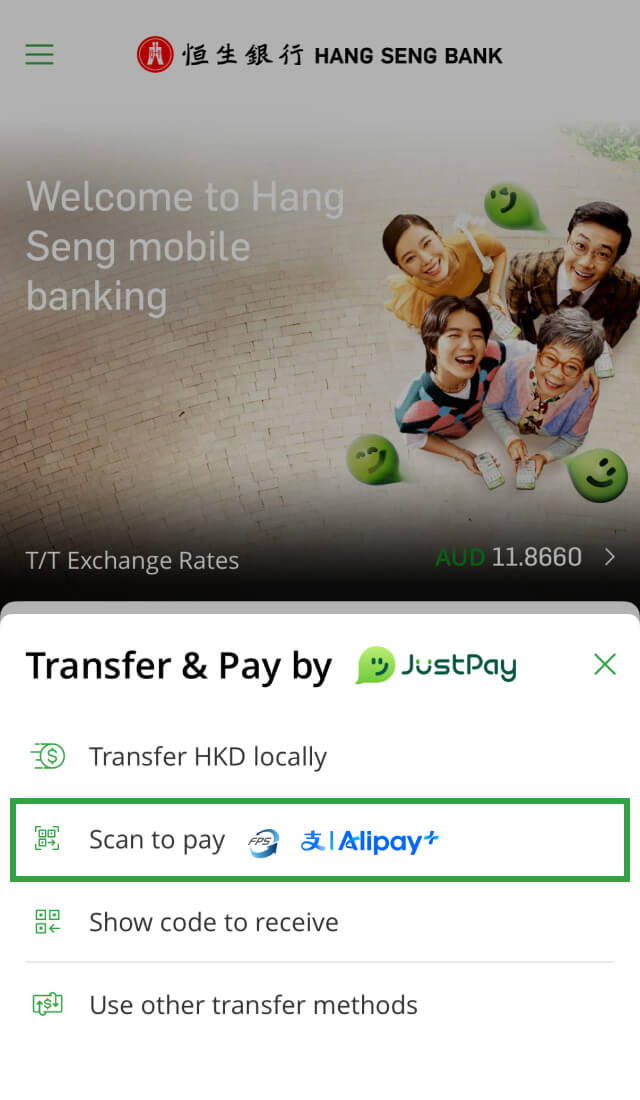
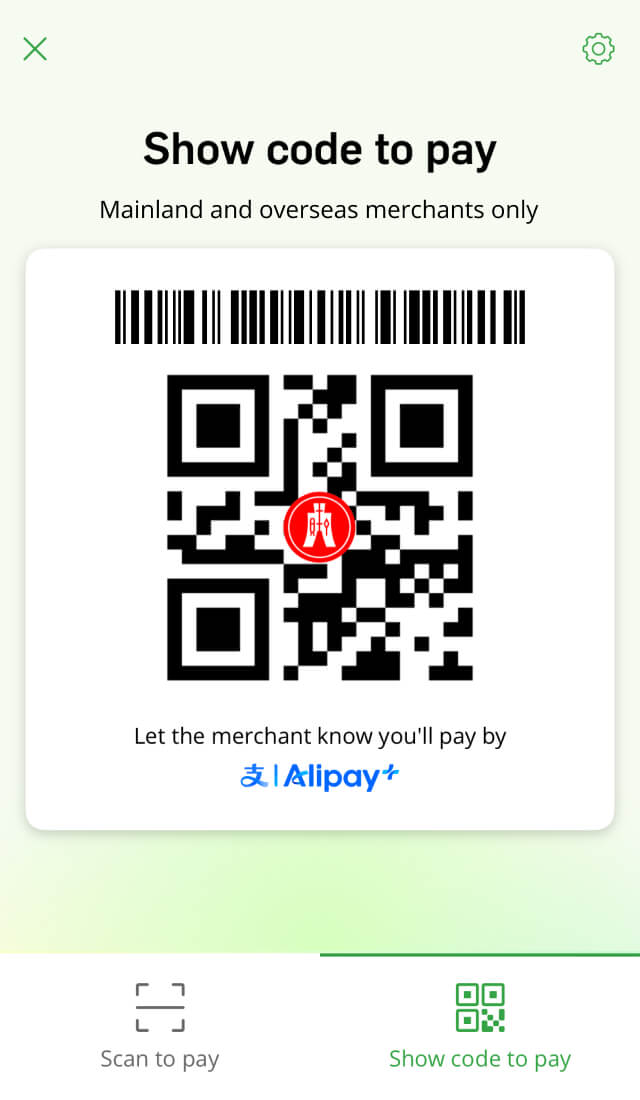
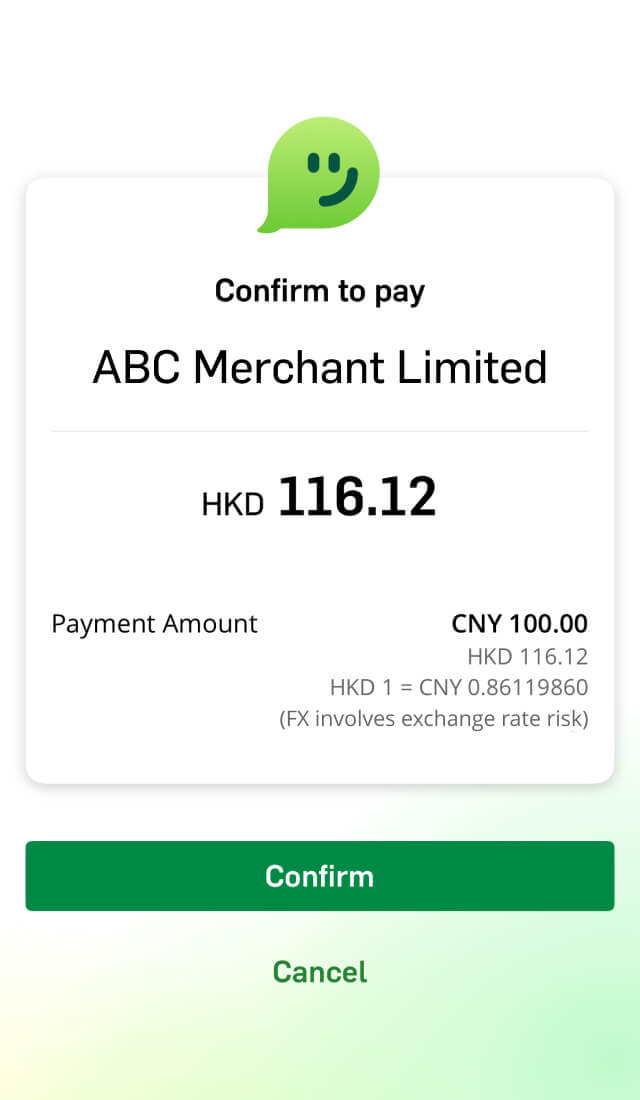
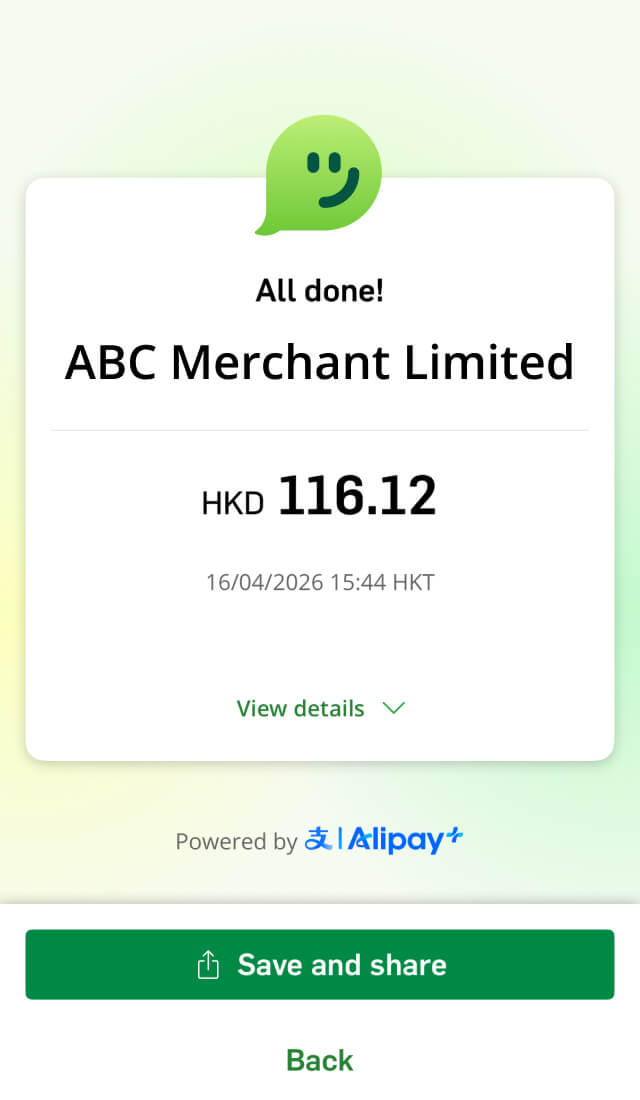


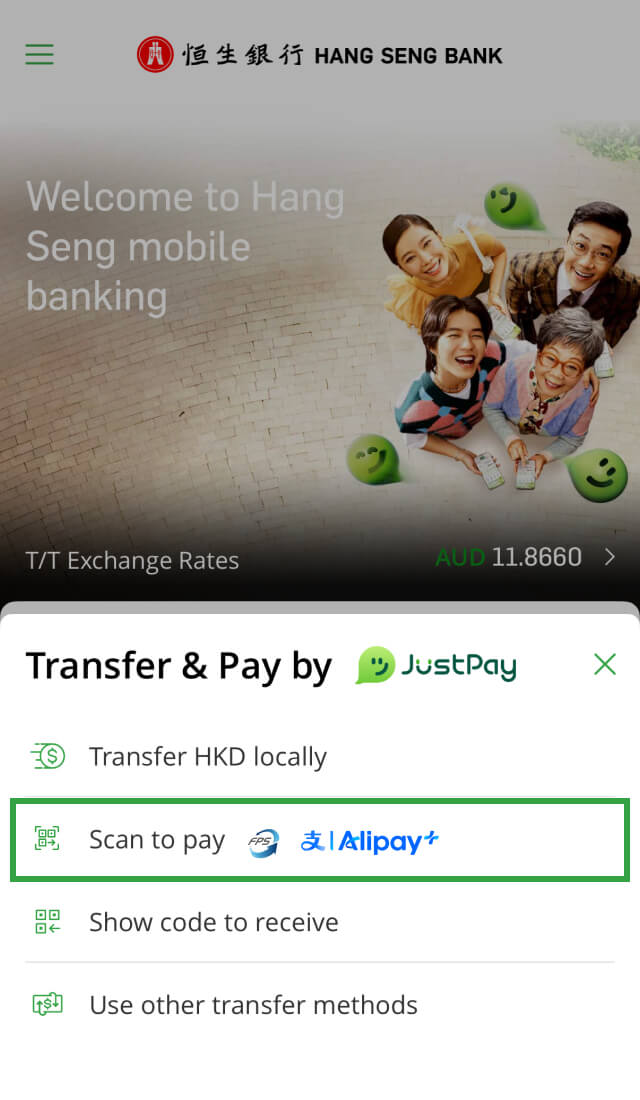
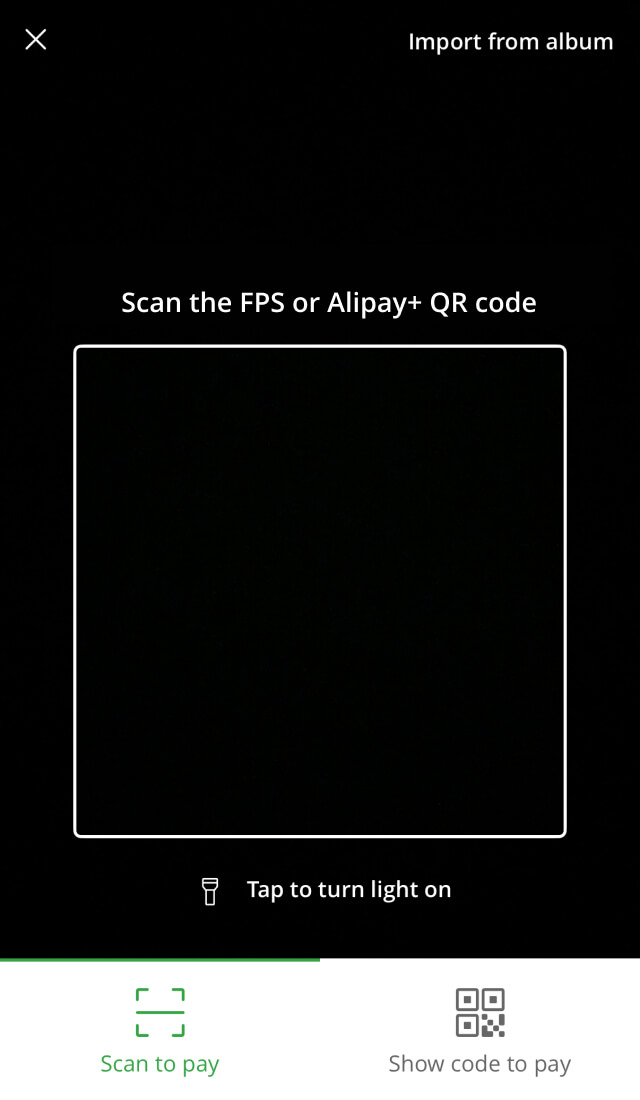
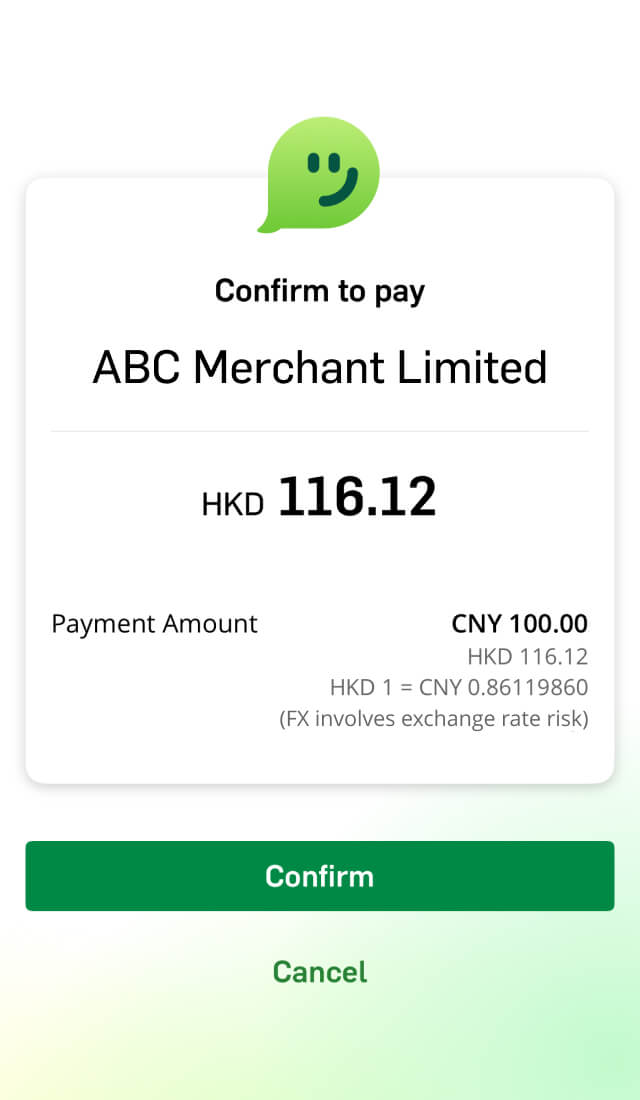
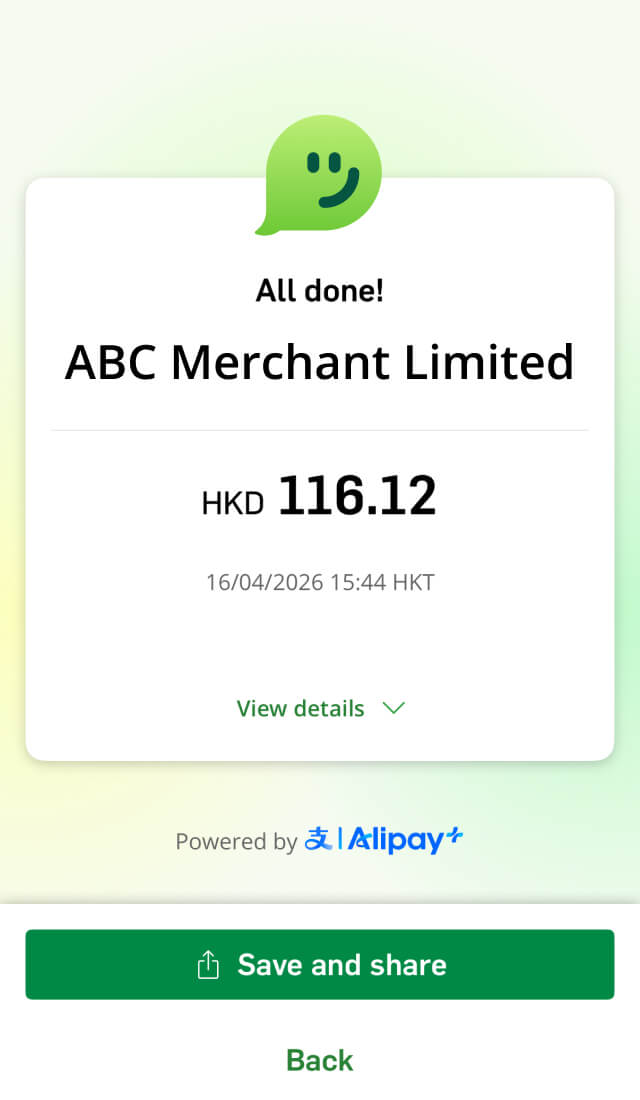
QR payment is a cross-border payment service. Whether you're in mainland China or overseas, you can use Hang Seng Mobile App or JustPay to pay at merchants that support Alipay+ by scanning or showing a QR code, making cross-border transactions easy!
The main difference is who shows the code and who scans it. When you're in mainland China or overseas, you can use Hang Seng Mobile App or JustPay to pay with QR codes at merchants that support Alipay.
No, this service is free of charge.
You can use QR payments whenever you see the Alipay+ logo at merchants. This service is available in mainland China and over 55 countries (not applicable to Hong Kong region, the below list will be subject to change from time to time), covering everything from food and beverage, fashion, entertainment to daily necessities and more!
| Countries / regions | |
|---|---|
| Asia | Armenia, Cambodia, Kazakhstan, Lao People's Democratic Republic, Mainland China, Macau, Malaysia, Maldives, Mongolia, Nepal, Philippines, Qatar, Singapore, South Korea, Turkey, UAE |
| Oceania | Australia, New Zealand |
| Europe | Austria, Belgium, Bulgaria, Croatia, Cyprus, Czech Republic, Denmark, Estonia, Finland, France, Germany, Greece, Hungary, Iceland, Ireland, Italy, Latvia, Liechtenstein, Lithuania, Luxembourg, Malta, Netherlands, Norway, Poland, Portugal, Romania, San Marino, Slovakia, Slovenia, Spain, Sweden, Switzerland, United Kingdom |
| Africa | Mauritius |
| North America | Mexico, United States Of America |
| South America | Argentina, Chile, Colombia, Peru |
This message appears because your JustPay default debit account doesn't have enough money for the payment. JustPay can only use this specific account, even if you have funds in other accounts.
To fix this, you can:
This may be due to the type of receiving code the merchant in mainland China is using.
Large merchants and chain stores usually use officially registered merchant receiving codes, which should work normally. However, some smaller merchants may use personal receiving codes. We don't support this type of code, so you'll see an error message.
All the QR payments will be settled in HKD, so you don't need to exchange foreign currency in advance. We'll show you the daily exchange rate before you confirm each payment, so you'll know the exact payment amount.
Yes. To keep your account safe, all QR payments have a daily limit.
Your payment limit depends on your existing "Mainland & overseas daily transfer limit" and "Non-registered payee daily transfer limit", whichever is lower. Please set these limits before making a payment.
Additionally, for payments to Alipay+ merchants in mainland China, there are separate annual payment limits and per transaction limits, which are required by local regulations and can't be adjusted. If the limit is exceeded, the payment won't be processed.
Yes. You can change your "Mainland & overseas daily transfer limit" and "Non-registered payee daily transfer limit" through these steps:
QR payment service is for making payments to Alipay+ supported merchants only.
To use QR Payment, you'll need to be registered for Personal e-Banking, have the Hang Seng Mobile App with your Mobile Security Key activated, and hold an eligible Hang Seng HKD account.
Yes. To keep your account secure, Hang Seng Mobile App or JustPay's payment code refreshes automatically every minute. Each code can only be used once.
Yes, QR payment is completed instantly. You can check your transaction record from the past 60 days in Hang Seng Mobile App or JustPay.
This depends on your payment method:
Please confirm the payment amount with the merchant before making the payment.
No. QR payments are processed instantly, so they can't be cancelled once you've confirmed them.
Before you pay, please double-check the merchant’s name, payment amount and the account you're paying from.
If you need a refund or have a dispute, please contact the merchant directly. All refund requests are handled by the merchant, so we are unable to assist and and won't be responsible for any related losses.
Please note:
This depends on the payment amount.
To keep your account safe, please remember:
Here's how you can enable biometric authentication:
On Hang Seng Mobile App's logon page:
After logging on Hang Seng Mobile App:
Please go to the log-on page in Hang Seng Mobile App, tap "Log on with 6-digit PIN" > "Forgot your 6-digit PIN", then follow the instructions on screen to reset the PIN. You can also call us at (852) 2822 0228.
You may call our hotline at (852) 2822 0228 or visit any of our branches to resume the transfer service.
Enjoy lightning-fast payments and turn them into heartwarming moments by adding voice recordings, animations and messages!
Transfer to 50+ countries / regions with $0 fee and fastest same-day arrival.
Send CNY to designated mainland bank accounts instantly with $0 handling fee via Hang Seng Mobile App for purposes such as tuition, utilities or medical expenses.
Get 24/7 support from our Virtual Assistant.